Basic Operation
29
To Adjust Display
Various Playback Methods
■ If you want fast forward playback,
press [ ] button in Playback mode.
You can watch fast playing screen.
■ If you want fast reverse playback,
press [ ] button in Playback mode.
You can watch fast reverse screen.
■ If you want still picture,
press [PLAY/PAUSE] in Playback mode.
You can watch the desired screen in pause status.
■ If you want slow-motion playback,
press [ ] or [ ] button in Pause mode.
You can watch the desired screen in the slow forward or slow reverse playback.
* NOTE: VCR doesn’t have Slow Reverse Playback function.
■ If you want to watch a series of screens one by one,(FRAME ADVANCE)
press [NEXT ] button in Pause mode.
Each time you press this button, the picture advances one frame.
This product includes automatic Tracking function and enables users to enjoy clear picture without an additional
operation. Provided that the following problems can be solved by the manual adjustment, which improves display
quality.
- If the screen is poor in Playback mode,
- If noises occur in the upper or lower part
of screen in slow playback mode,
- If paused picture vibrates up and down.
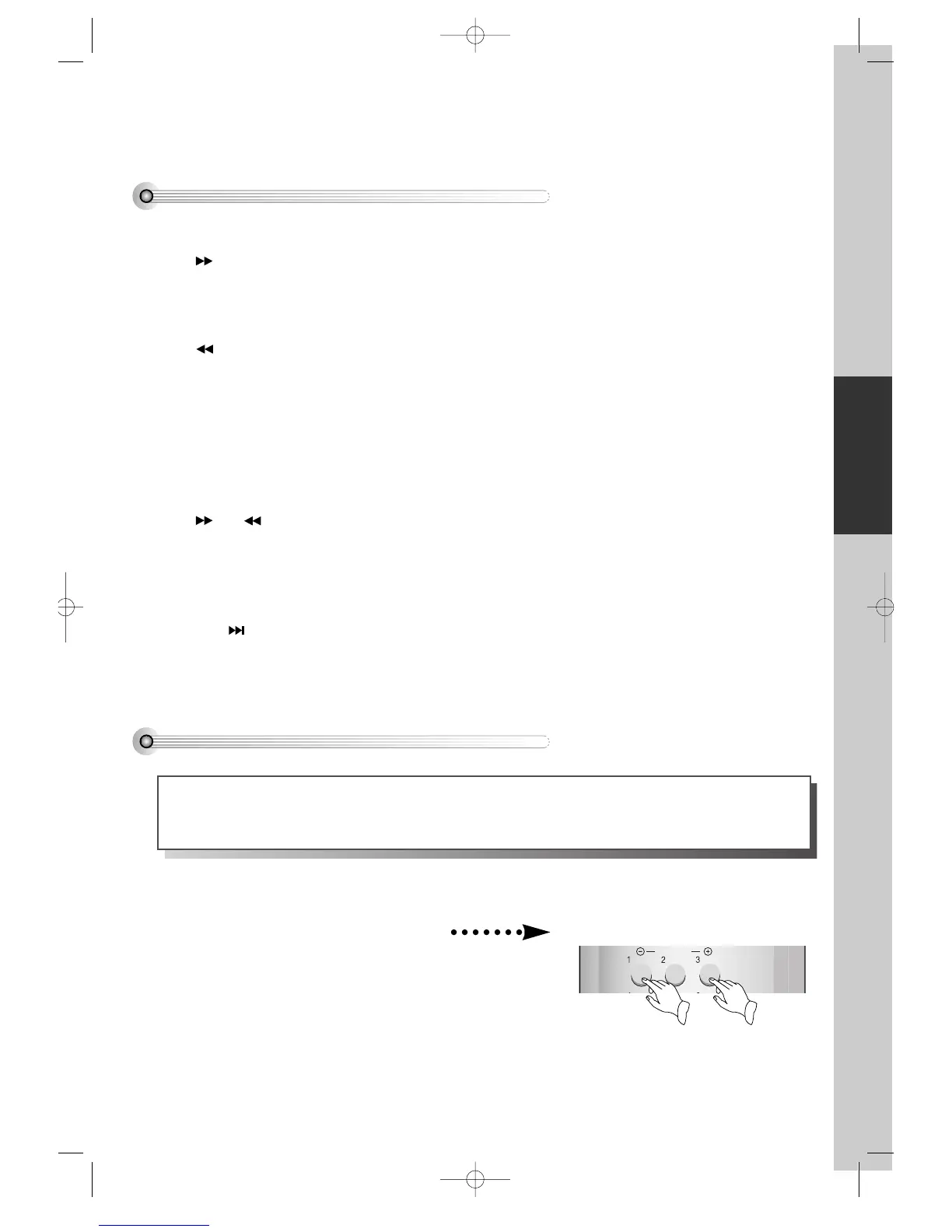
Use [TRACKING +/-] buttons of the remote
control to adjust the display suitable for
watching.



 To Next Page