The others
69
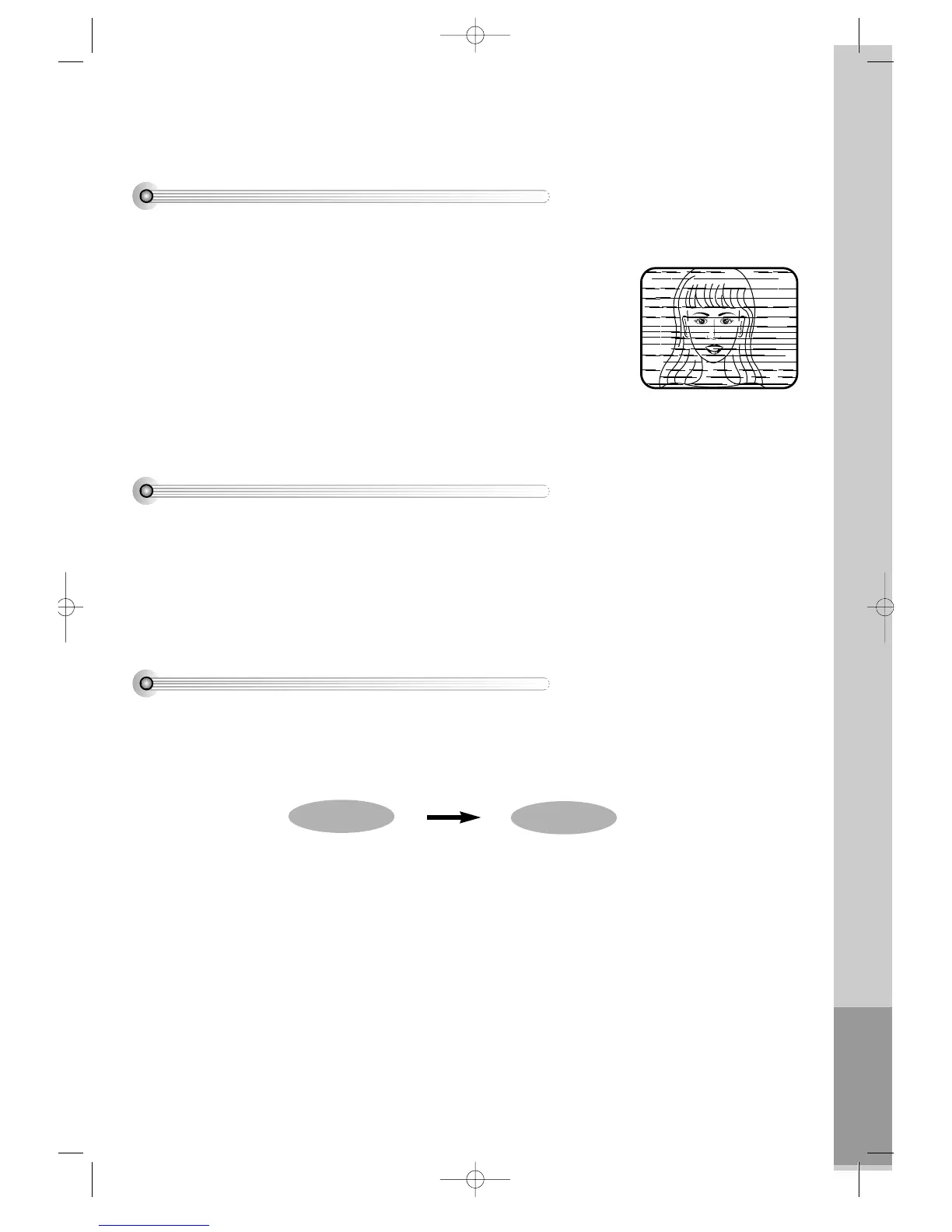
Noise
• Noise means poor screen conditions of player such as interruption or trembles
in the top of bottom of a screen.
• If a noise occurs, please adjust a screen by operating “TRACKING” buttons .
• Adjustment may not improve quality screen if the tape is originally recorded
mixed with some noise or kept in poor conditions.
• If some noise remains after adjusting it, VCR heads may be contaminated or
worn.
• In case VCR heads are contaminated, please rub them cleanly.
Auto-detect the contamination of VCR heads
• If the product, which has a auto-detector, detects a contaminated head(s), it shows the conditions to notice the
contamination on screen.
* In case of the notice on screen, please rub the heads with a head-cleaner followed by “How to use a head-
cleaner”.
How to use a head cleaner
• In case of a old or contaminated videotape, screen may not be clean from the contamination of player heads. Please
remove contaminants using a head-cleaner like below order.
1 Insert a head-cleaner into player
2 Press “PLAY” for 5 seconds, and then press “FF” for about 10 seconds.
3 Eject a head-cleaner from player
• If the screen is not clean yet, please repeat the above 2 or 3 times more.
• A head-cleaner is not for sale. Please ask it for the nearest agent.
• In case a user ask the removal of contaminants of us, the user should pay extra charges.
PLAY (5secs)
FF (10secs)
DVD-Video(PAL) 02.3.15 5:45 PM ˘`69



 To Next Page