User’s Manual
205
5.11.3.2 Enabling the Intelligent Settings for IP Camera
Not all IP cameras support this function.
The interface might be different depending on the connected IP camera.
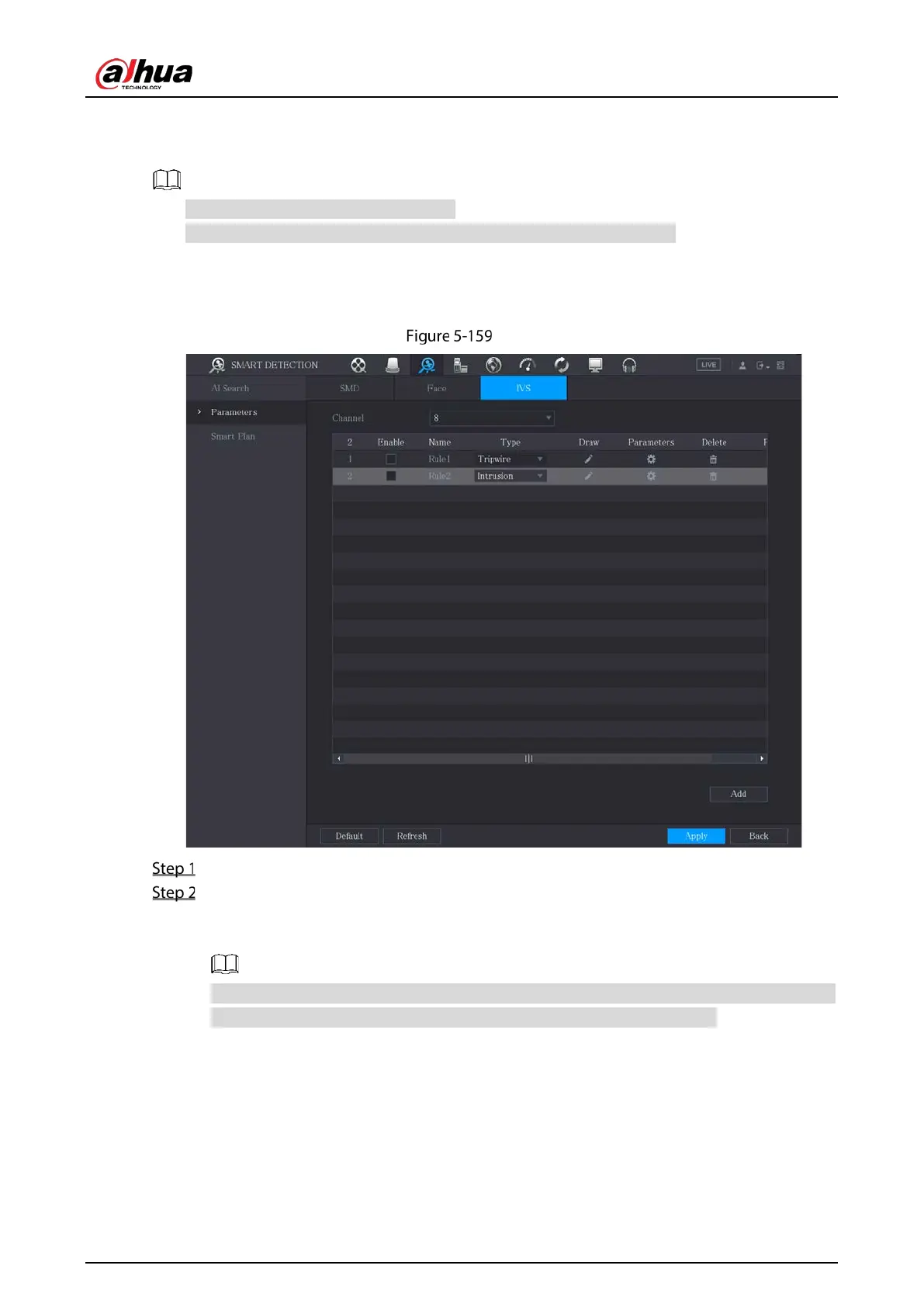
After configuring the intelligent settings for IP cameras (refer to 5.11.3.1 "Configuring Intelligent
Settings"), you still need to enable to apply the configurations. For example, you have configured the
intelligent settings for IP camera as displayed in Figure 5-159, and then click
Apply to save the settings.
IVS
Click Smart Plan.
In the Channel list, select the IP camera channel that you have configured the intelligent
settings.
For the IP camera with preset, see Figure 5-160.
The IP camera with preset means the speed dome. The displayed preset information has been
configured before on the speed dome from front-end intelligence settings.


 To Next Page
 Loading...
