User's Manual
232
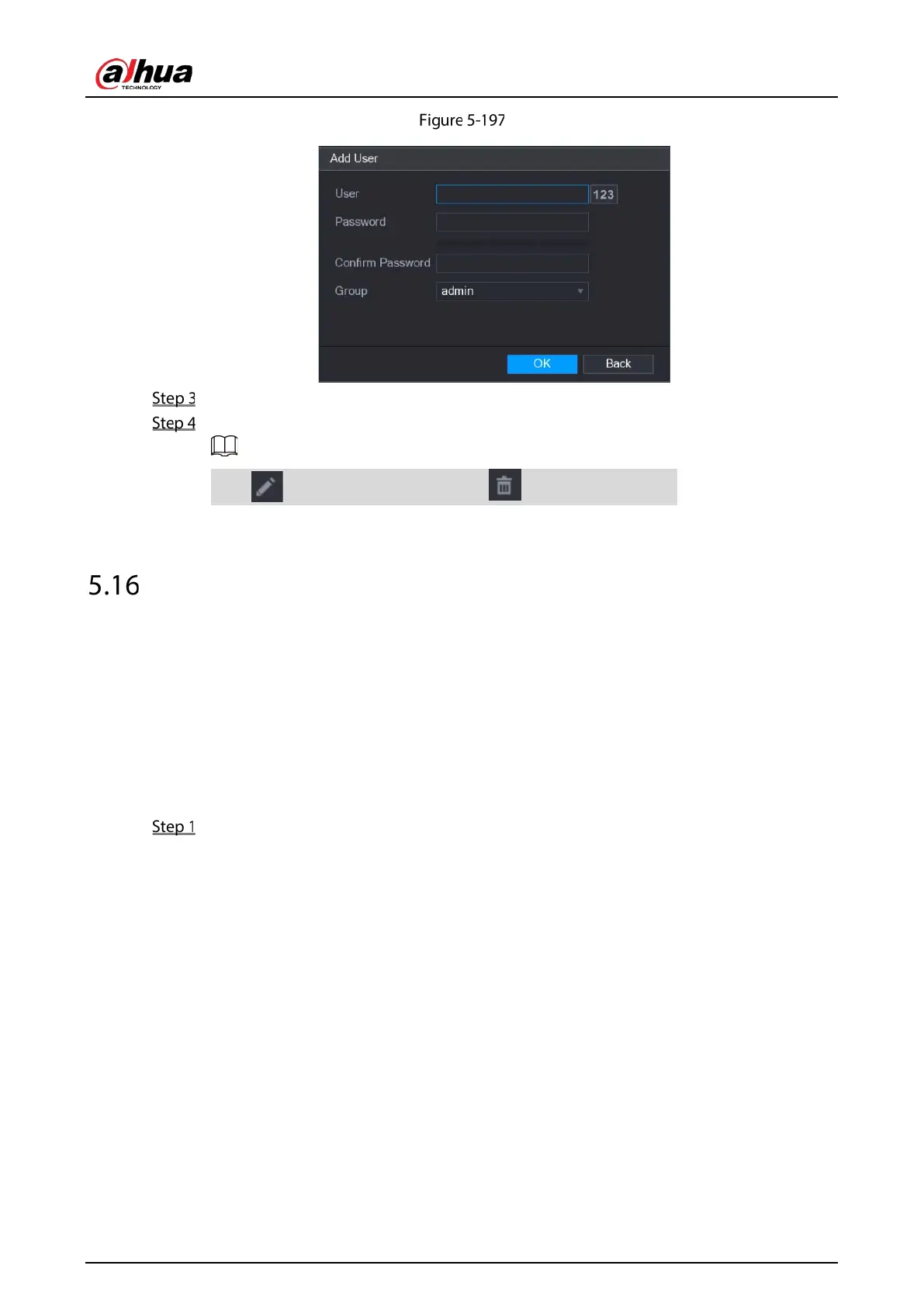
Add user
Enter user name, password, and select the group that you want this account to belong to.
Click OK to save the settings.
Click to modify the account; Click to delete the account.
Audio Management
Audio management function manages audio files and configures the playing schedule. When there is
an alarm event, the audio file can be activated.
5.16.1 Configuring Audio Files
You can add audio files, listen to audio files, rename and delete audio files, and configure the audio
volume.
Select Main Menu > AUDIO > FILE MANAGER.



 To Next Page
 Loading...
