User's Manual
256
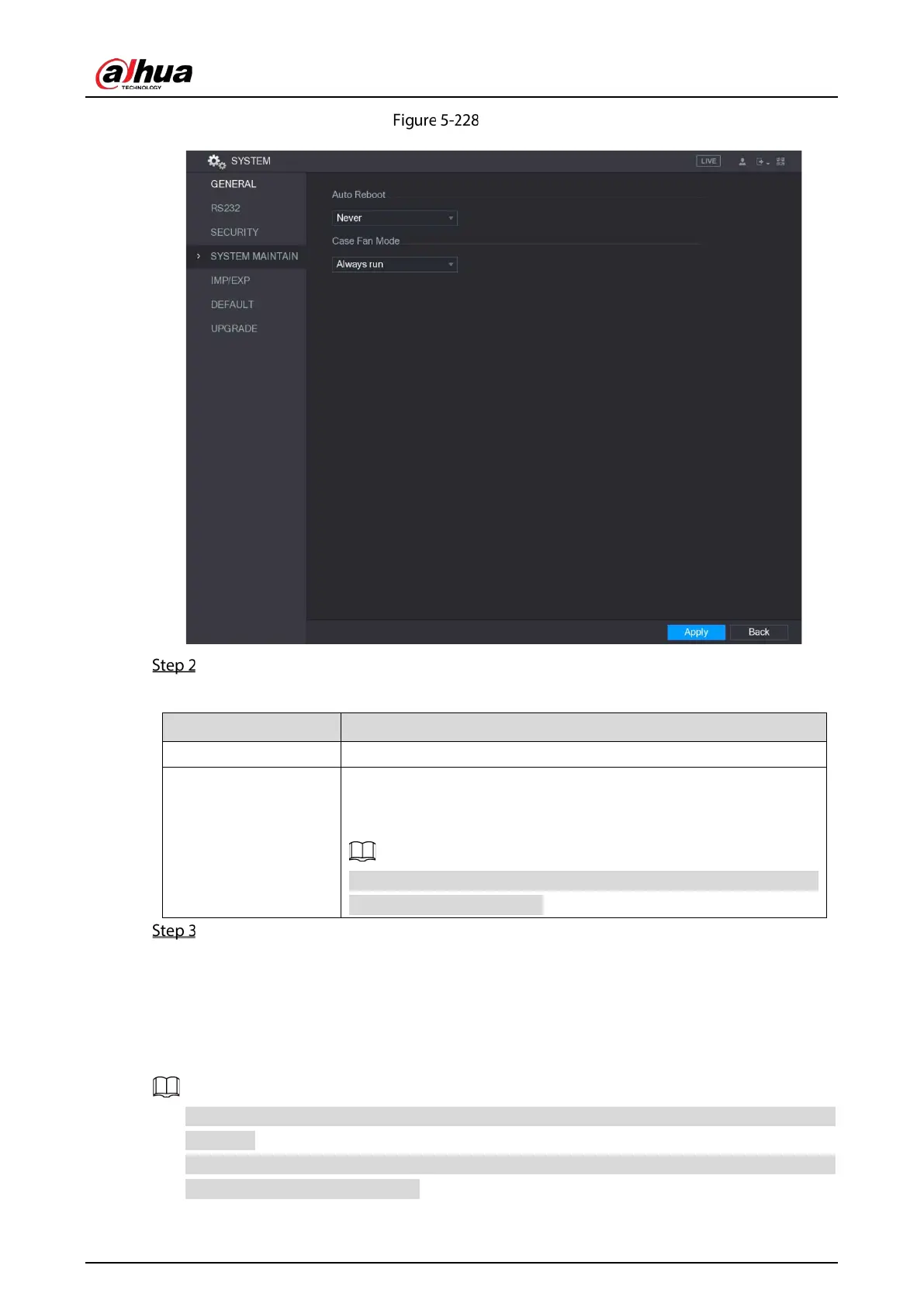
System maintain
Configure the settings for the system maintenance parameters.
Table 5-75 Maintenance parameters
Auto Reboot In the
list, select the reboot time.
Case Fan Mode
In the
list, you can select
or
. If you
select
, the case fan will stop or start according to the external
conditions such as the Device temperature.
Not all models support this function, and it is only supported on the
local configuration interface.
Click Apply to complete the settings.
5.18.5 Exporting and Importing System Settings
You can export or import the Device system settings if there are several Devices that require the same
setup.
The IMP/EXP interface cannot be opened if the backup operation is ongoing on the other
interfaces.
When you open the IMP/EXP interface, the system refreshes the devices and sets the current
directory as the first root directory.



 To Next Page
 Loading...
