User's Manual
74
5.2.6.2 Configuring Viewing Layout
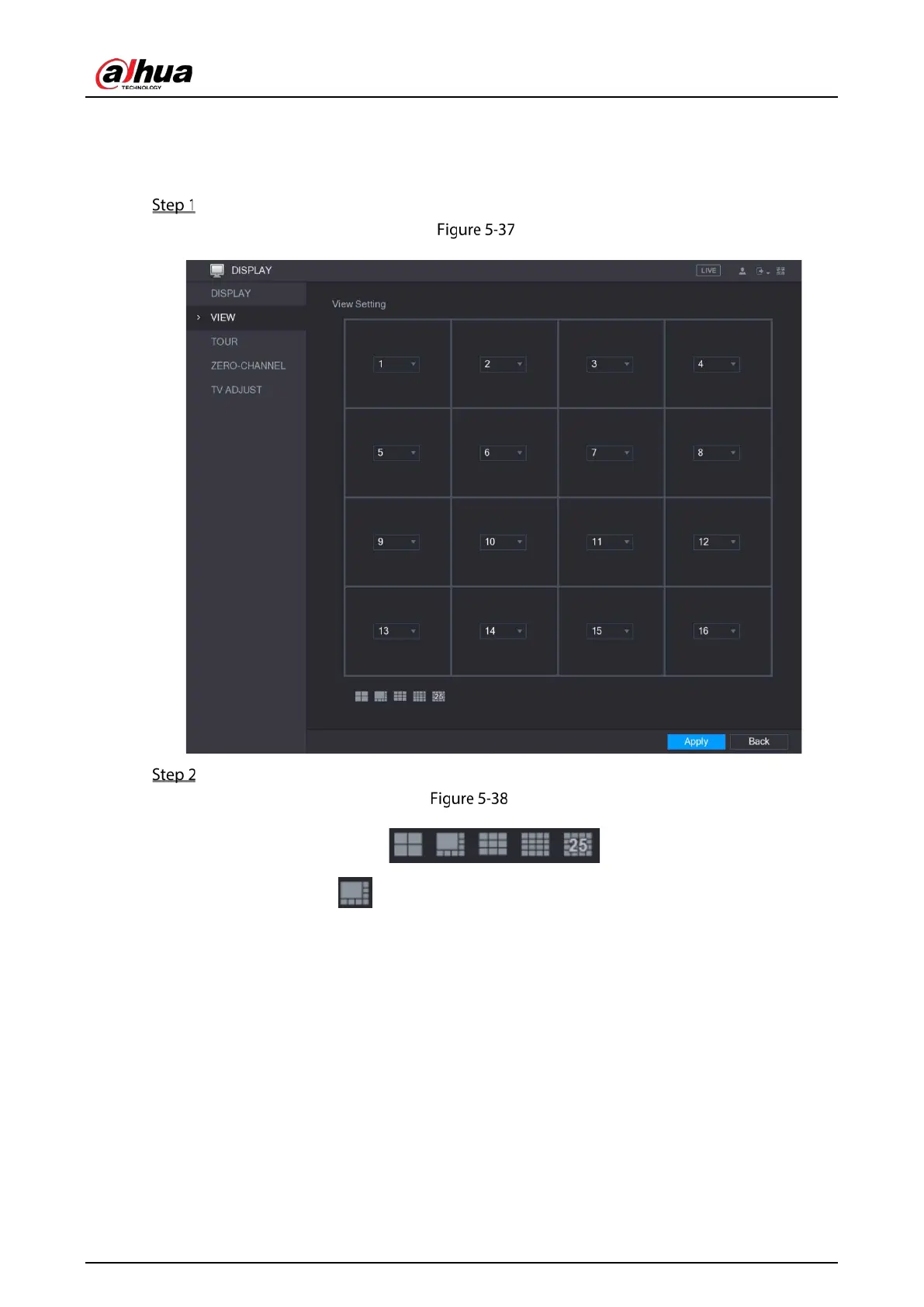
You can configure the view layout in the live view screen.
Select Main Menu > DISPLAY > VIEW.
View
Configure the view layout by clicking the layout buttons on the bottom.
Layout
For example, click and select 9-16, the view layout changes immediately.


 To Next Page
 Loading...

