106
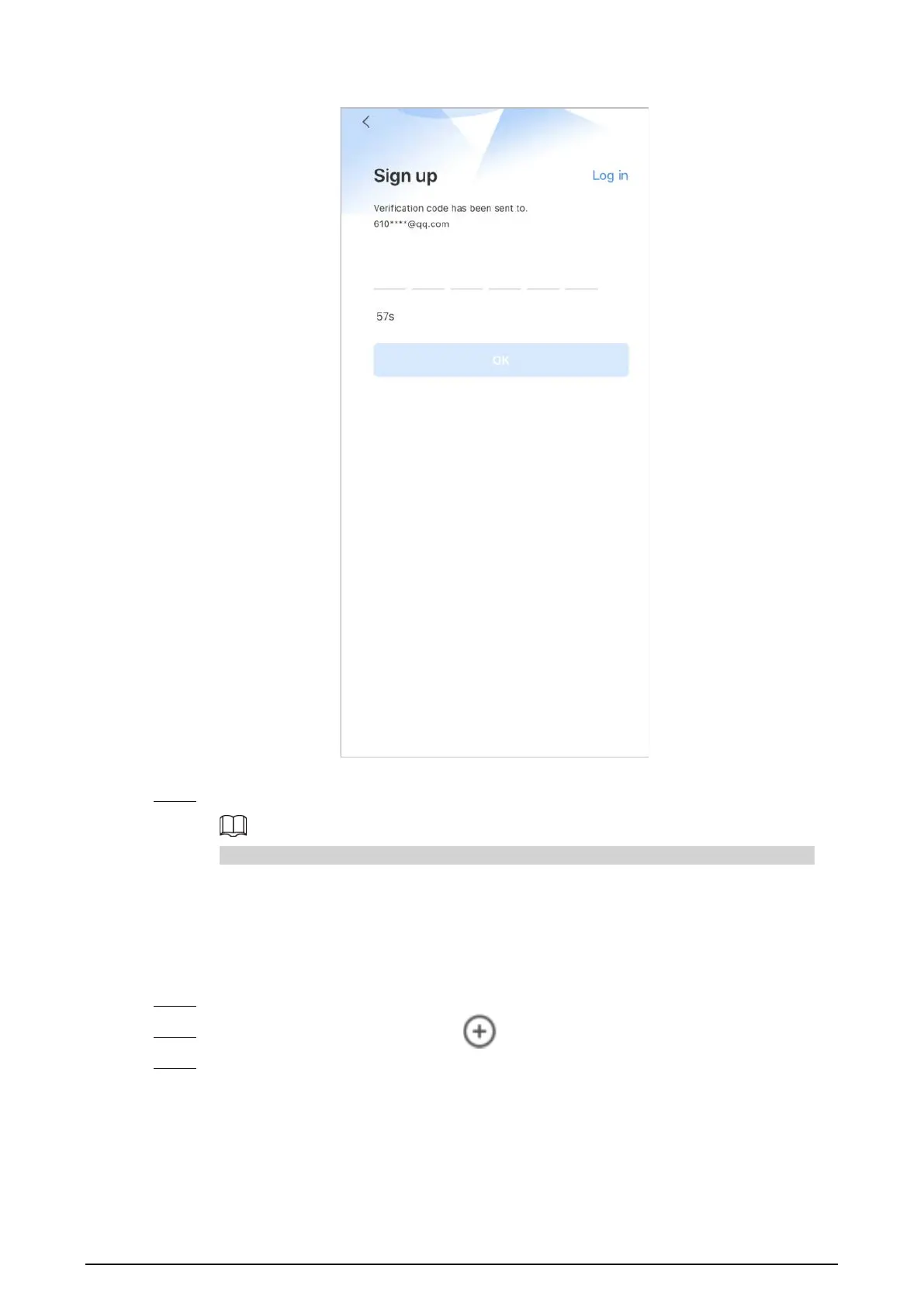
Figure 5-3 Enter verification code
5) Tap
OK
.
Step 3 On the
Login
screen, enter your email and password, and then tap
Log in
.
You can modify the password on the
Me
>
Account Management
>
Modify Password
.
5.3 Adding VTH to DMSS
Procedure
Step 1 Power on the VTH.
Step 2 On the
Home
screen of the app, tap , and then select
SN/Scan
.
Step 3 Scan the QR code at the rear panel of the VTH to obtain the information of the VTH or scan
the DMSS QR code in
Setting
>
General
>
QR Code
on the VTH to obtain the device
information of the VTH.


 To Next Page
 Loading...