16
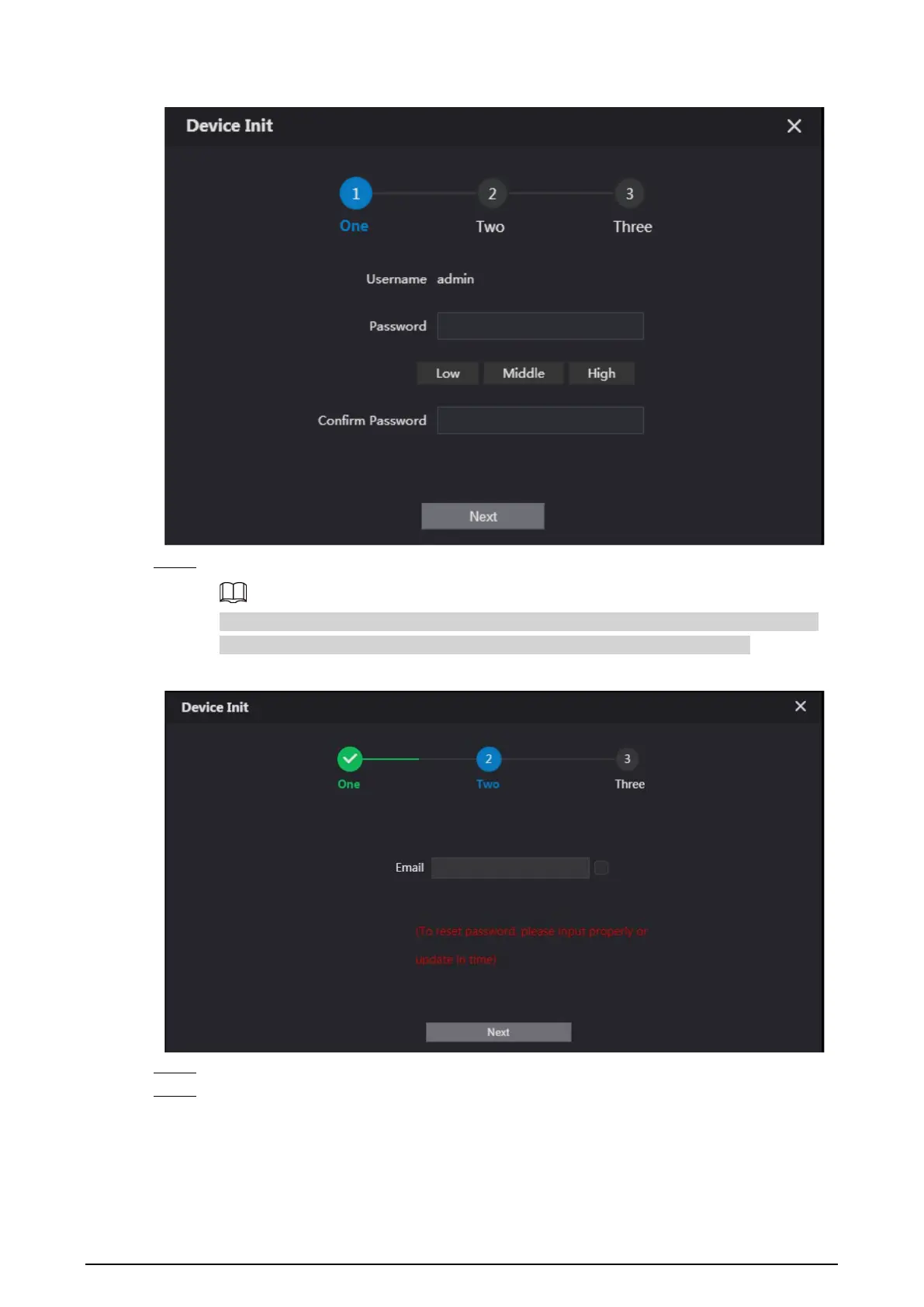
Figure 2-1 Device initialization
Step 3 Enter the password and confirm it, and then click
Next
.
This password is used to log in to the web interface. It must be at least 8 characters, and
include a combination of at least two types among number, letter and symbol.
Figure 2-2 Set an email address
Step 4 Select
Email
and enter your email address for resetting password.
Step 5 Click
Next
.


 To Next Page
 Loading...