49
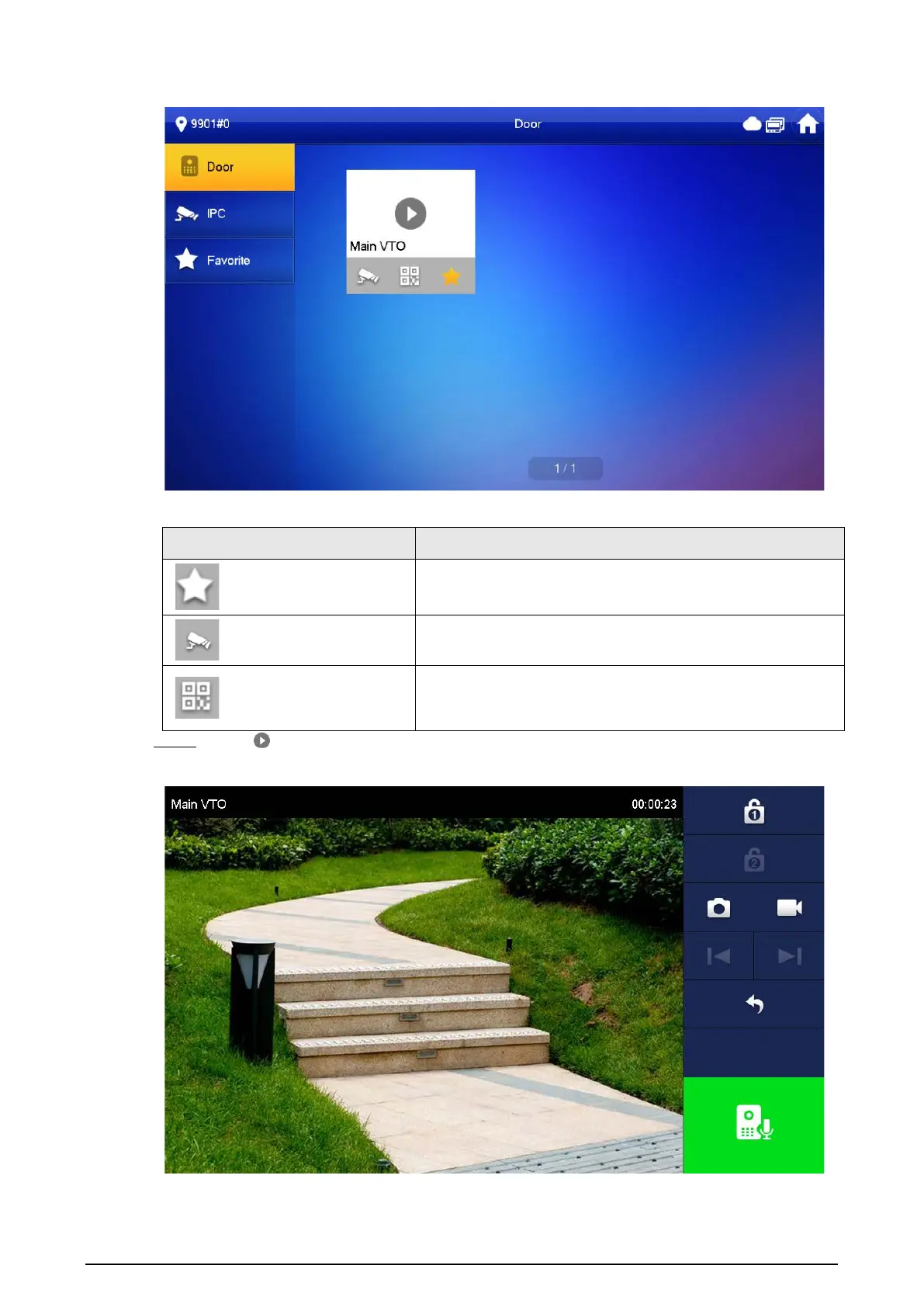
Figure 3-18 Door
Table 3-4 Function description
Icon Description
Add the VTO or fence station to Favorite.
Select an IPC, and when this VTO or fence station calls, you
will see the monitoring image from this IPC.
Display the serial number of the VTO or fence station in QR
code. Scan the QR code in the app to add it to the app, and
then you can monitor the VTO from your smart phone.
Step 2 Tap .
Figure 3-19 Monitoring VTO


 To Next Page
 Loading...