90
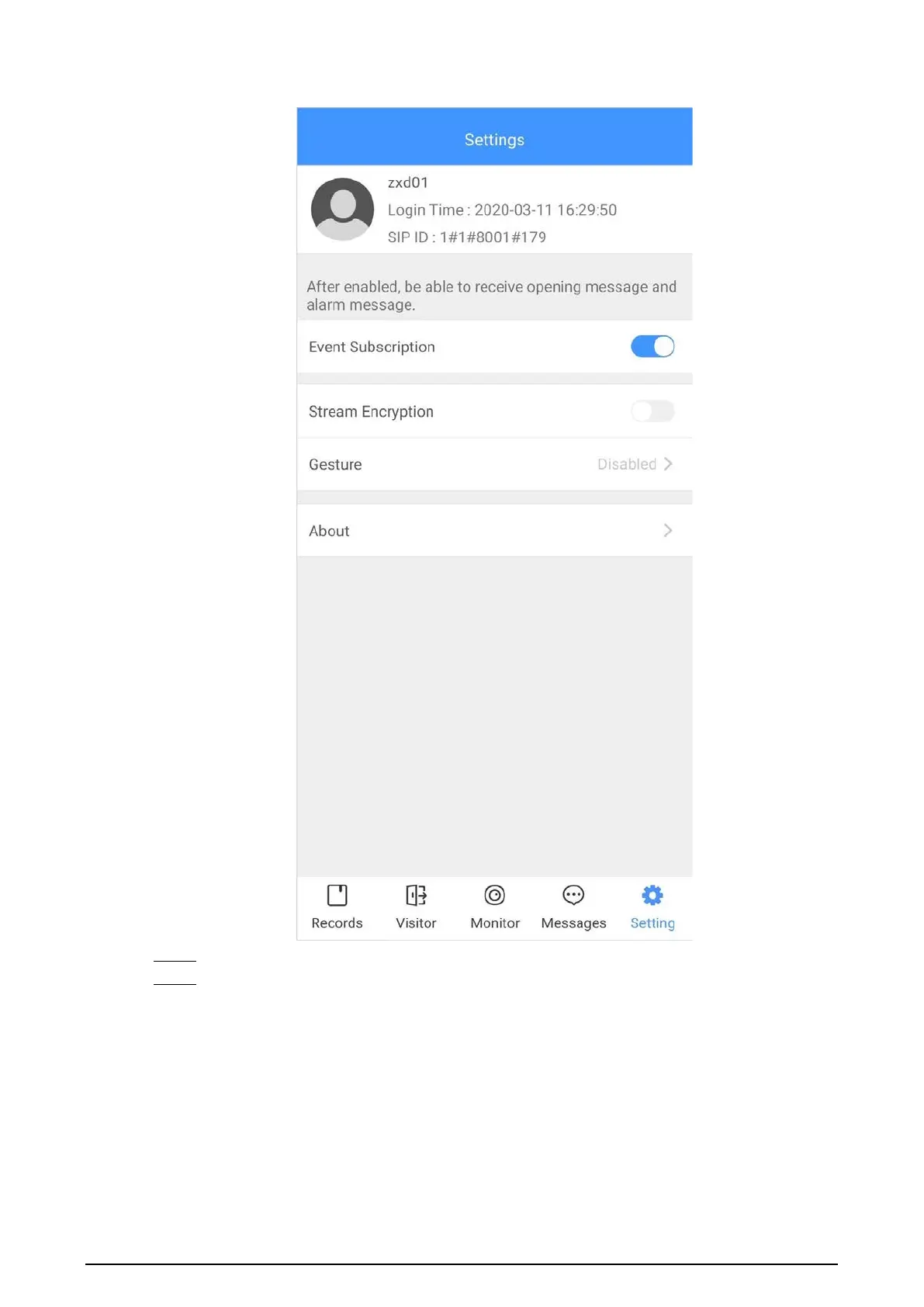
Figure 4-5 Settings
Step 2 On the VTH main screen, tap
Setting
.
Step 3 Enter the password you configured, and then tap
Forward
.
Select forwarding type as needed:
●
Always
: All calls to this VTH will be forwarded.
●
Busy
: If the VTH is busy, the call will be forwarded.
●
No Answer
: Any call that is not answered within the defined ring time will be
forwarded. See "3.6.1.4 Other Ring Settings" for details.


 To Next Page
 Loading...