SQLC-214-097
51
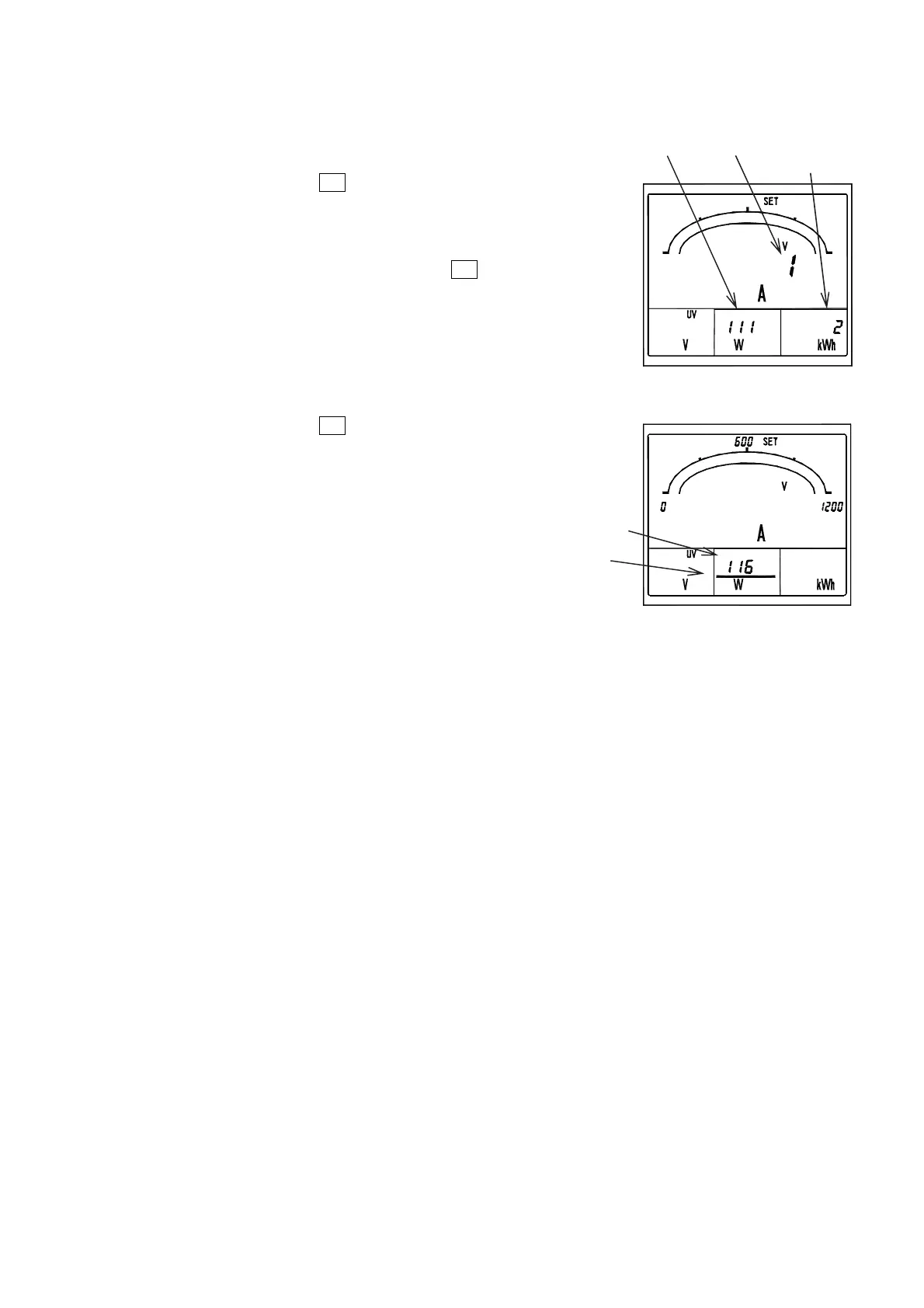
◆ 111 Combination display
Select the factors to be measured and monitored by 4 digital
displays out of combination patterns.
Set values are updated by
SET
.
◆ 112 to 115 Main monitor, Sub-monitor (left),
Sub-monitor (center), Sub-monitor (right)
Set these items for a display configuration other than
combined patterns. Set values are updated by
SET
.
◆ 116 Bar graph factor
A factor being monitored in the main monitor is basically
displayed by a bar graph.
Set this item for displaying a factor being monitored on a
sub-monitor by bar graph.
An underbar is attached to the digital display of the
setting sub-monitor.
Set values are updated by
SET
.
Setting №
Underbar
Setting № New setting
Current setting


 To Next Page