SQLC-214-097
46
5.3 Setting in detail explanation
5.3.1 Setting mode 1
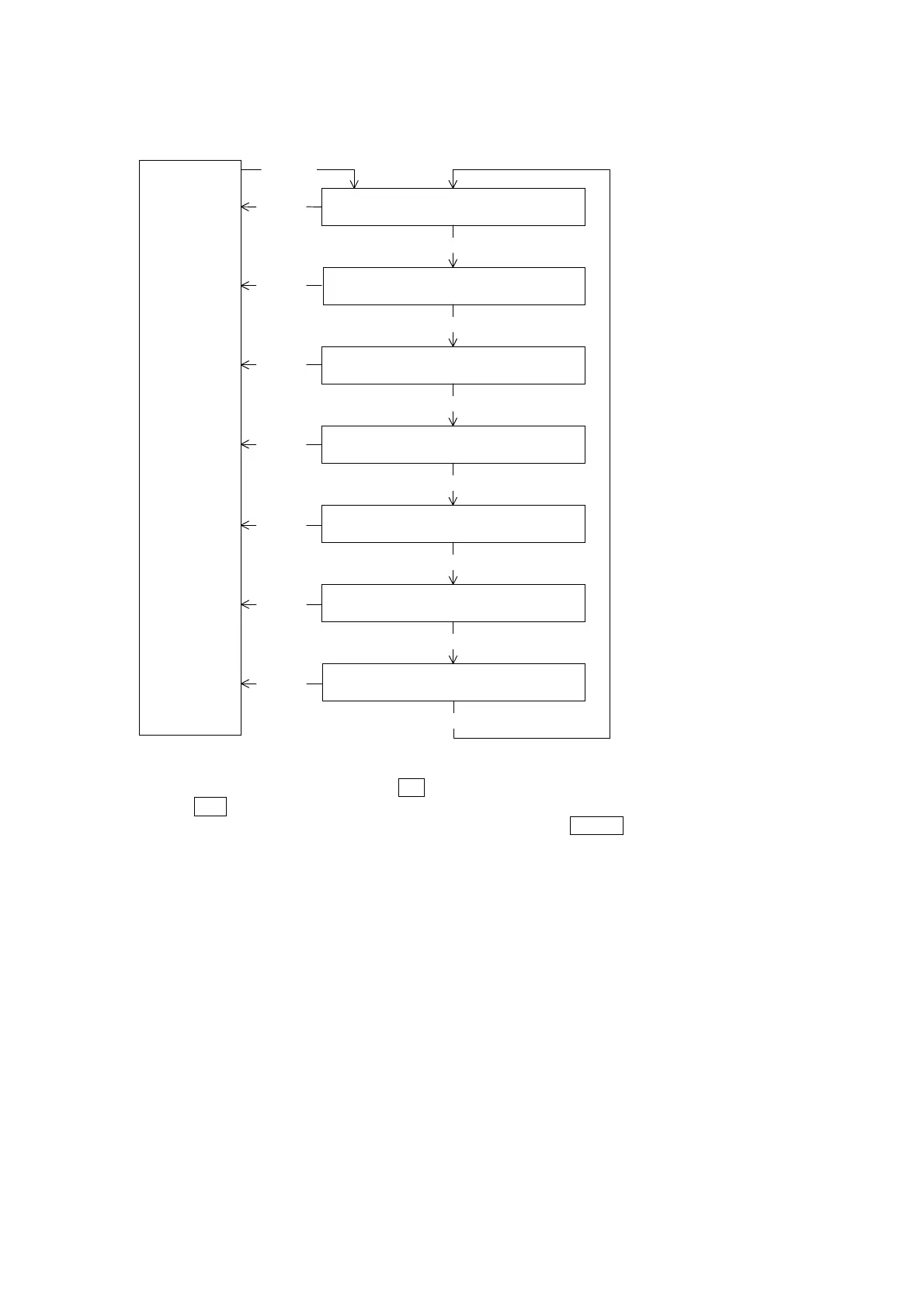
Display mode
(Measurement
display)
SET
3 seconds
111 to 116
Display setting
MODE
121AL to 128AL
Alarm output setting
MODE
131H to 136
Demand detection setting
MODE
141H to 14A
Harmonic detection setting
MODE
151H to 152L
Instant measurement detection setting
MODE
MODE
171 to 172
Backlight setting
DISPLAY
DISPLAY
DISPLAY
DISPLAY
DISPLAY
DISPLAY
MODE
161 to 164
Leakage detection setting
DISPLAY
Setting mode 1 is selected by pressing
SET
switch for longer than 3 seconds.
Pushing
MODE
switch performs movement of setting item.
The present mode can be returned to the display mode by pressing
DISPLAY
switch.
< Caution >
If setting change should have been mistaken, an alarm output is not obtained correctly.
Therefore, users must not set. The setting item without the corresponding option is not displayed.
Setting mode 1


 To Next Page