SQLC-214-097
58
5.3.2 Setting mode 2
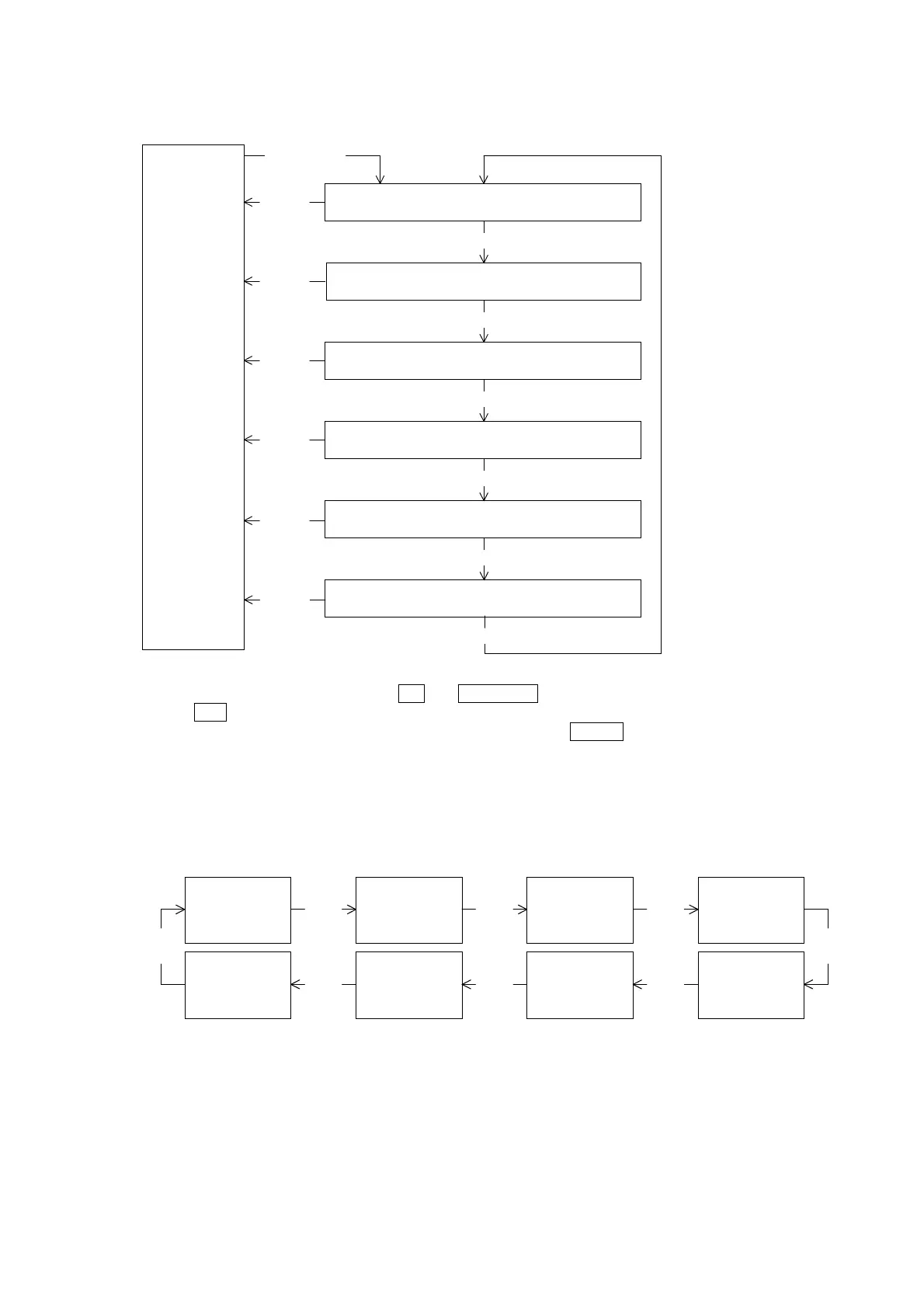
Display mode
(Measurement
display)
SET and
RESET/SHIFT
3 seconds
211 to 218
Measurement-range setting
MODE
221A to 228A
Analog output setting
MODE
241P to 244P
Pulse output setting
MODE
251 to 252
External operation input setting
MODE
261 to 26D
Measurement ON/OFF setting
MODE
DISPLAY
DISPLAY
DISPLAY
DISPLAY
DISPLAY
MODE
271 to 272
Initialization of watt-hour and setting value.
DISPLAY
Setting mode 2 is selected by pressing
SET
and
RESET/SHIFT
switches continuously for longer than 3 seconds.
Pushing
MODE
switch performs movement of setting item.
The present mode can be returned to the display mode by pressing
DISPLAY
switch.
< Caution >
If setting change should have been mistaken, a display and output of measurement are not obtained correctly.
Therefore, users must not set. The setting item without the corresponding option is not displayed.
(1) 211 to 218 Measurement-range setting 【All models】
Setting of measurement range in each measurement factors.
211
Voltage range
RESET/
SHIFT
218
Frequency range
RESET/
SHIFT
RESET/
SHIFT
212
Current range
213
Current display
intrinsic
sensitivity
214
Power polarity
217
Power-factor
range
216
Reactive power
range
215
Power range
RESET/
SHIFT
RESET/
SHIFT
RESET/
SHIFT
RESET/
SHIFT
RESET/
SHIFT
Setting mode 2


 To Next Page