BRC2E52C7 / BRC3E52C7 Operation manual
4P368042-1 - 2014.02
20
Basic Operation Method
Selection Settings
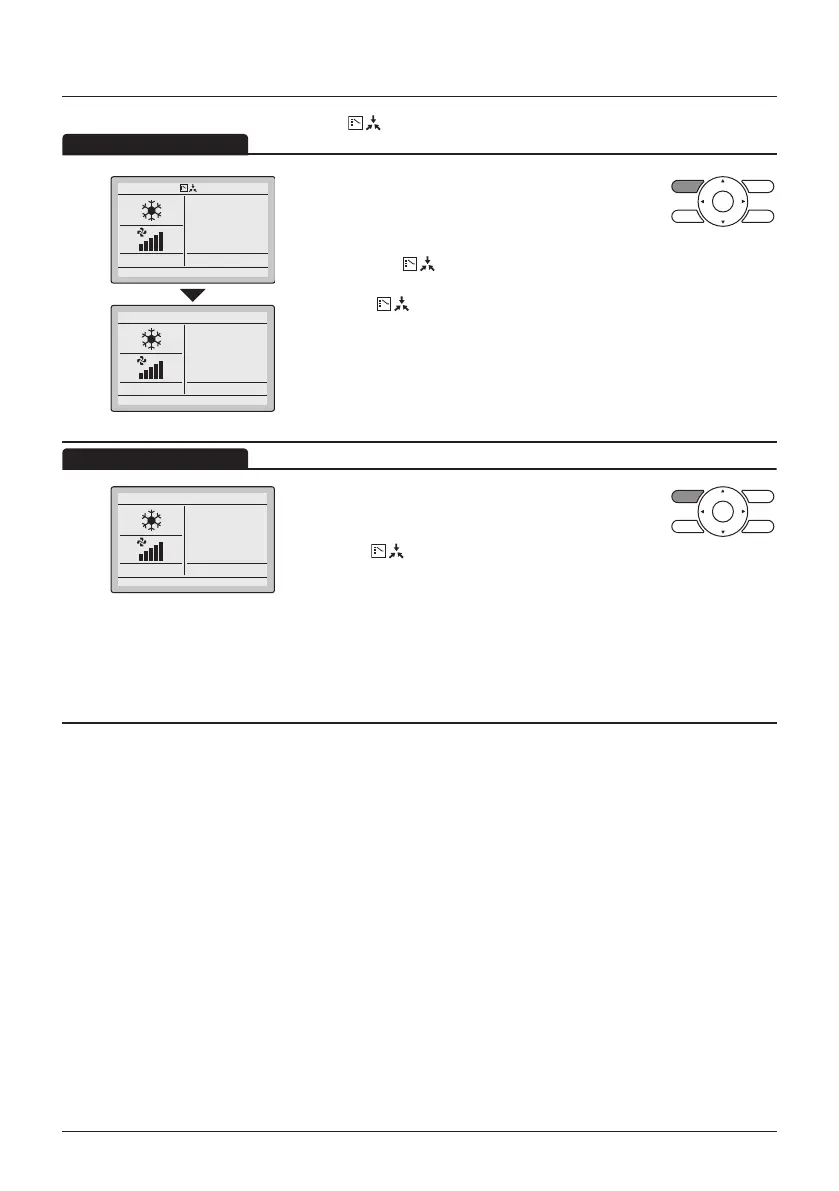
The display " " (changeover under control) will blink when the power is
turned ON for the rst time.
2
28°C
28°C
• Press the Operation Mode Selector button of the
remote controller for which the selection eligibility
needs to be set.
The cooling/heating selection eligibility will be set
and the icon " " (Changeover under control)
will disappear.
The icon " " (Changeover under control) will
appear on the other remote controllers.
3
28°C
• Press the Operation Mode Selector button on the
remote controller that has the cooling/heating
selection eligibility (or the remote controller without
the icon " " (Changeover under control))
several times until the desired mode is selected.
The display will change to the "Fan", "Dry", "Auto",
"Cool" or "Heat" icon each time the button is
pressed.
• Simultaneously, the other remote controllers with
no selection right will follow and change the
display automatically.



 To Next Page