Installation Manual 3P291714-4
DCM601A72 iTM plus adaptor
33
6.3 Starting/stopping an area or management point
AA
B
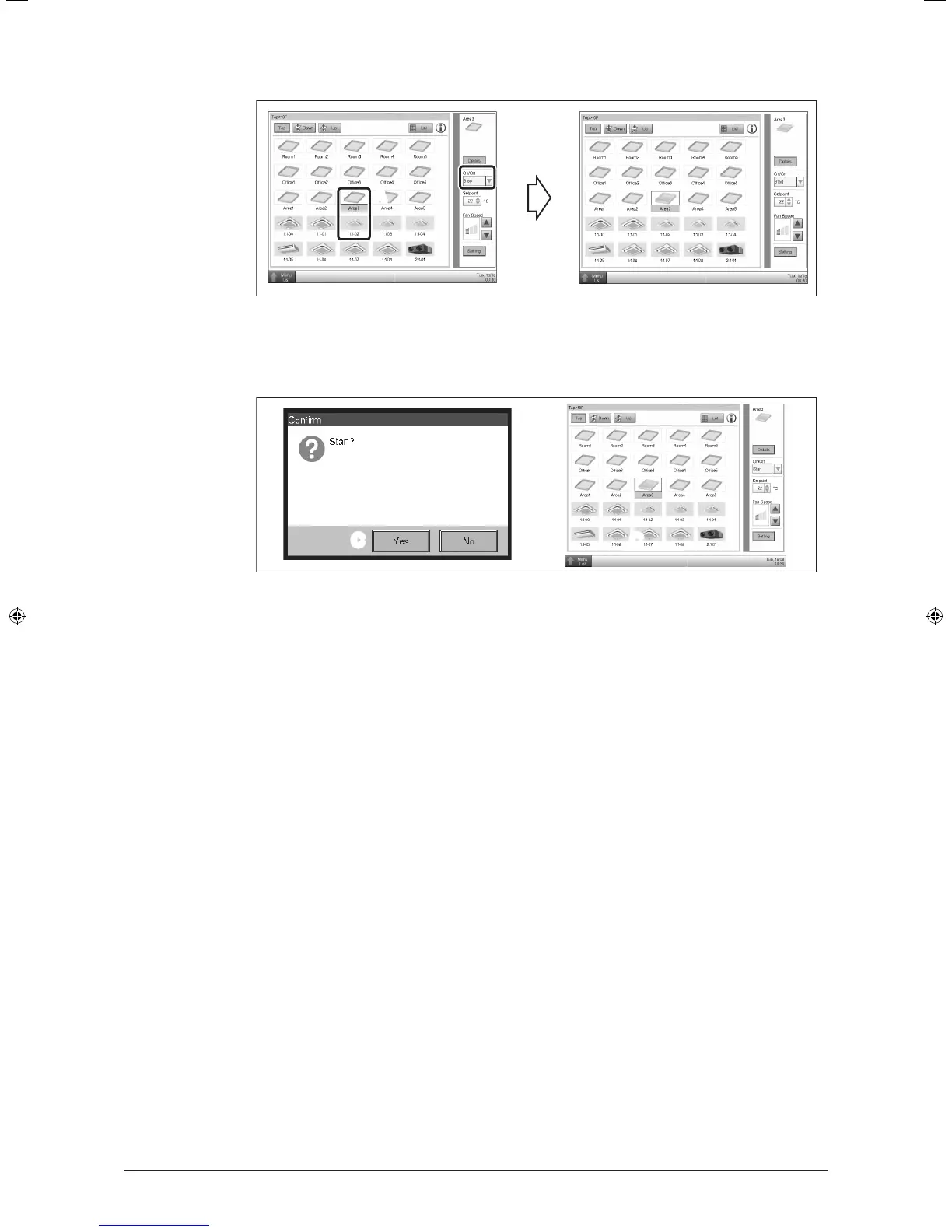
A Select the area or management point you want to start or stop.
B On the On/Off combo box, select Start or Stop to start or stop the area/management
point, respectively. The icon is green or red (depending on the system setup) when
the area/management point is started (operating) and gray when stopped.
C C
C When Conrmation Dialog is set to “Enabled” in the system setup, the corresponding
message appears. Select the Yes button to conrm the Start/Stop operation.
01_EN_3P291714-4.indd 33 3/26/2012 5:00:49 PM



 To Next Page