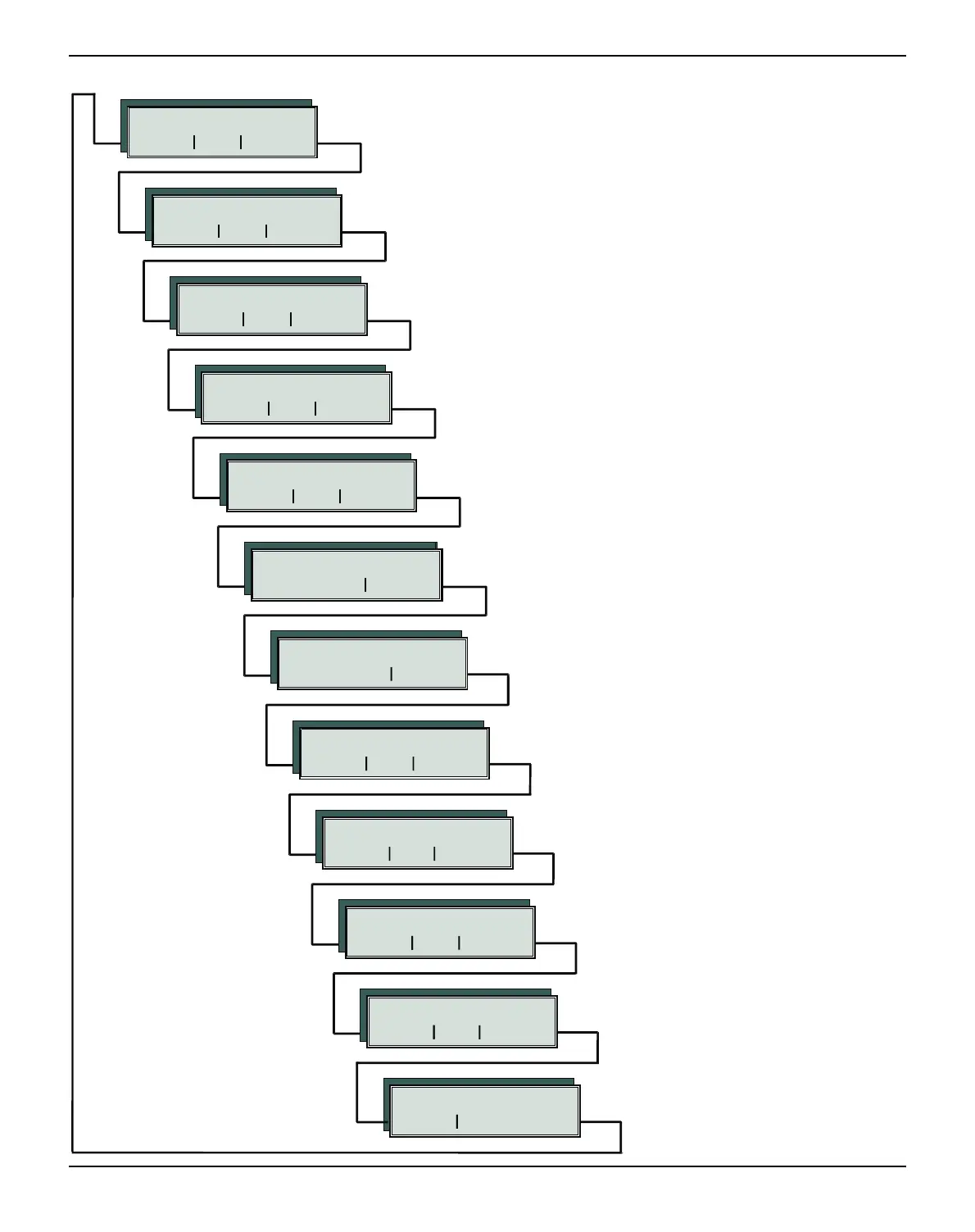
User guide Advanced menu
101
Einzel Pap.art
Back
Sleepmod
Back Next
APW AED
Back Next
SerialN AssetN
Back Next
Forml AGA
Back Next
H-Dump PMS
Back Next
Paphand CX-bid
Back Next
Single Pap.back
Back Next
Wrap Sound
Back Next
HvyForm
Back Next
GrSpeed GrFreq
Back Next
Ignore IgnorChr
Back Next
Jobcntl
Back Next
W Single does not apply to this printer
Setting for printing on paper with dark back
W Interface test and activating the paper motion sensor
W Setting default form length and the Automatic Gap Adjustment for
the print head
W Setting line wrap and sound when paper empty
W To print copy paper
W Automatic paper width detection and precise po-
sitioning of the paper at the tear edge after cutting
action and subsequent change of the paper path
W Settings to facilitate handling paper of poor quality and the paral-
lel interface
W Changing serial number and asset number of
the printer
W Allows improved graphic speed.
Improves the graphic and barcode print
quality
W Any character can be ignored
W Activates the PJL functionality
W Energy save mode



 To Next Page