User guide The Menu
79
Automatic carriage return
(Auto-CR)
Switches the automatic carriage return on or off after receiving the
signal LF (lne feed).
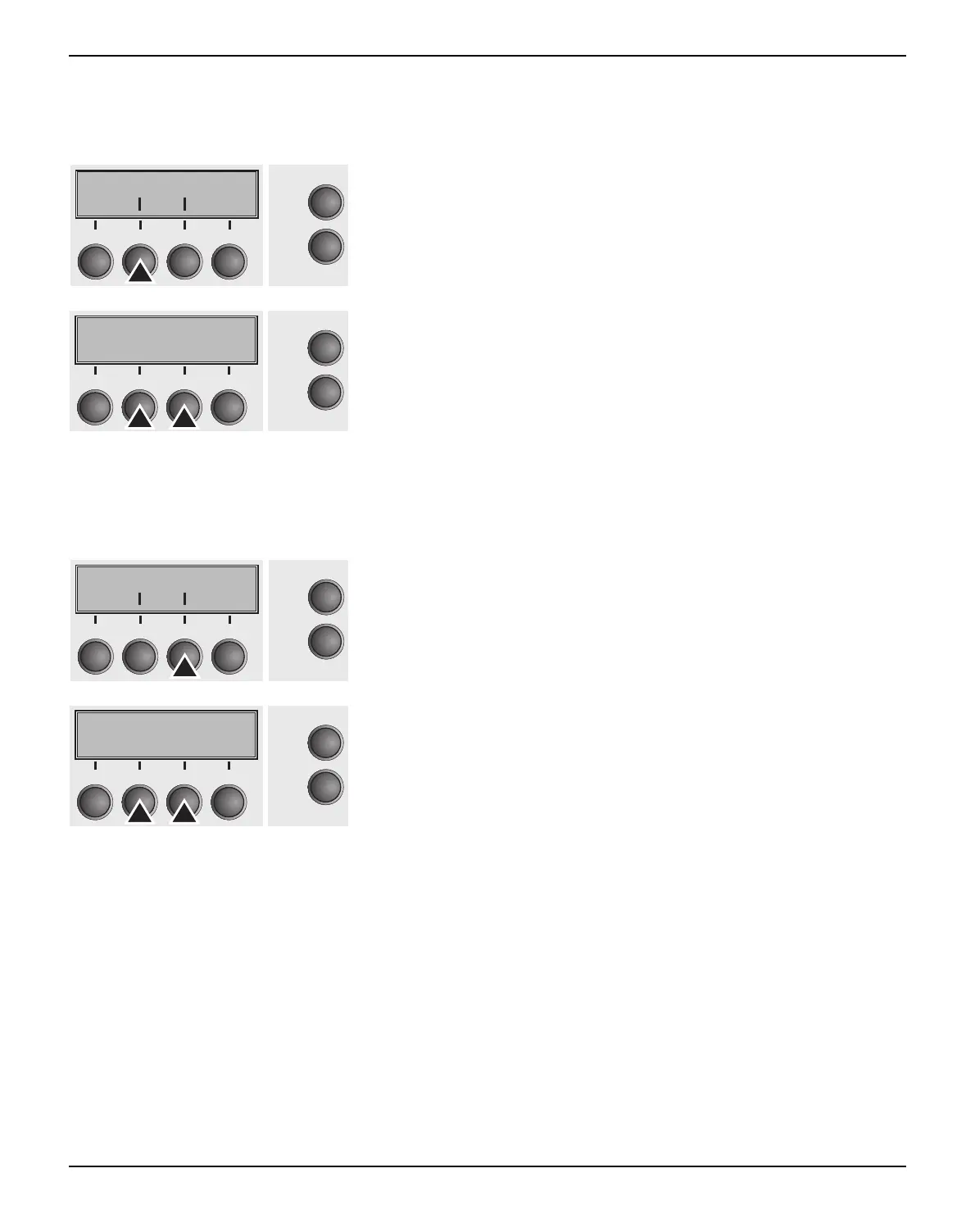
Press Auto-CR (2) key.
Use the < (2) or > (3) key to select the desired setting.
Setting Options: Off/On
Default Setting: On
Confirm the setting by pressing the Set key (1).
Automatic line feed
(Auto-LF)
Switches the automatic line feed (LF) on or off after receiving the
signal CR (carriage return).
Press Auto-LF (3) key.
Use the < (2) or > (3) key to select the desired setting.
Setting Options: Off/On
Default Setting: Off
Confirm the setting by pressing the Set key (1). Press the Next key
(4) to access the next group of parameters.
Auto-CR Auto-LF
Online
Setup
Back Next
21
3
4
Auto-CR=On *
Online
Setup
Set < > Exit
21
3
4
Auto-CR Auto-LF
Online
Setup
21
3
4
Back Next
Auto-LF=On *
Online
Setup
Set < > Exit
21
3
4



 To Next Page