The Menu User guide
88
Vertical position after
oversized character
(LCPtop)
This paramater controls the vertical position of characters with stan-
dard height which follow oversized characters.
This function is only effective in Genicom ANSI emulation.
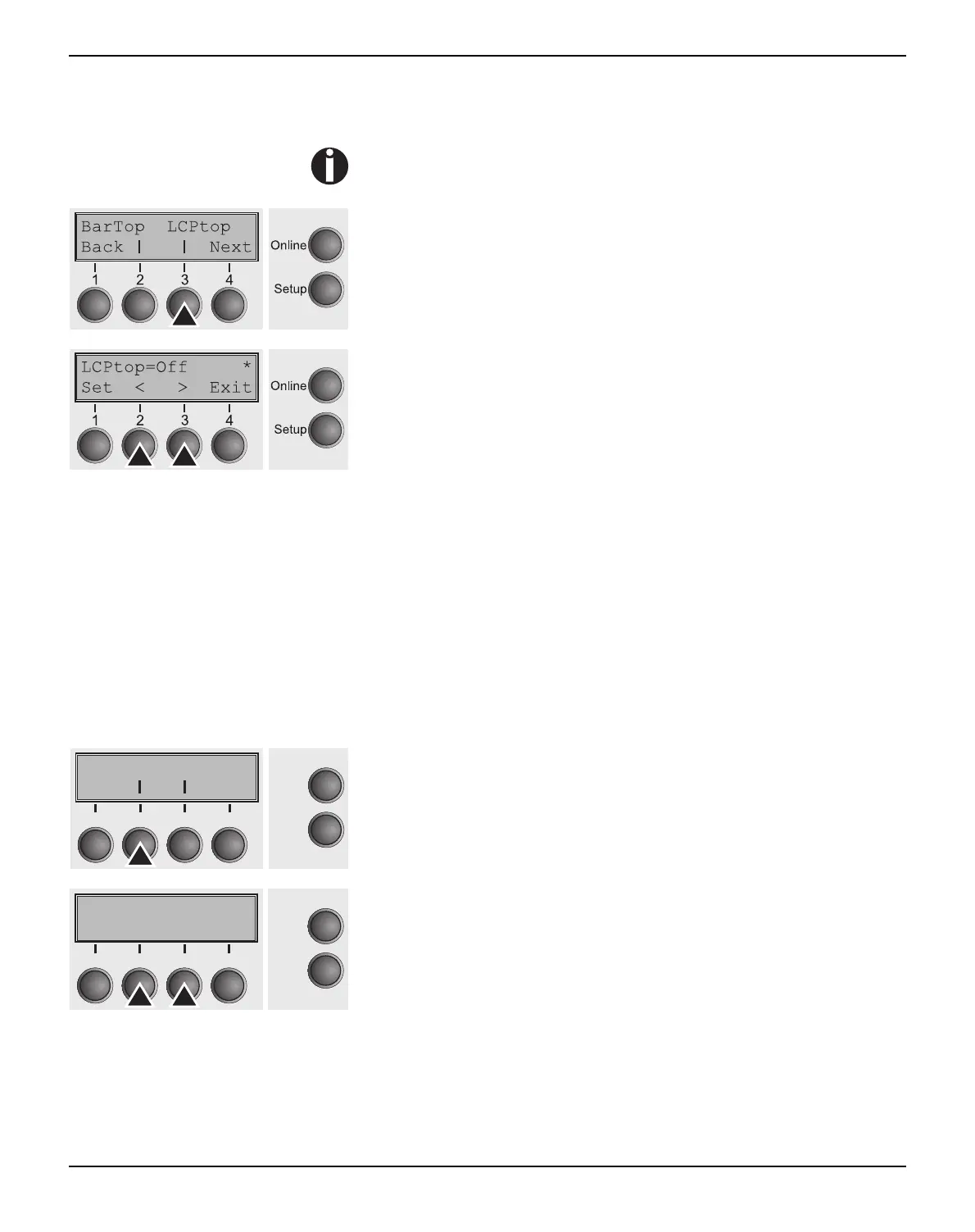
Press LCPtop (3) key.
Use the < (2) or > (3) key to select the desired setting.
Setting Options: Off/On
Default Setting: Off
If this option is disabled (Off), then the printer advances paper 1/8
inch when exiting oversized characters. This characteristic is re-
tained for compatibility with older products.
If the option is enabled (On), then the current vertical position follow-
ing the printing of an oversized character will be the top of the over-
sized character cell. If the next object on the page is located below
this point, then the printer uses vertical logic seeking to economize
on paper movement.
Confirm the setting by pressing the Set key (1). Press the Next key
(4) to access the next group of parameters.
Form feed mode (FFmode) Specifies whether a form feed is to be performed when the paper
reaches the top print line.
Press FFmode (2) key.
Use the < (2) or > (3) key to select the desired setting.
Setting Options: On/Off
Default Setting: Off
FFmode = On: If the paper is positioned in the first printing line
(TOF), form feeds will be ignored.
FFmode = Off: Form feed will be performed in all cases.
Confirm the setting by pressing the Set key (1).
FFmode PapOpt
Online
Setup
21
3
4
Back Next
FFmode=Off *
Online
Setup
Set < > Exit
21
3
4



 To Next Page