Interfaces User guide
168
Parallel interface The bidirectional parallel interface offers the so called “nibble” mode
of the IEEE1284 interface norm. This enables installation in accor-
dance with Windows “Plug & Play”.
The standard parallel interface is able to transfer data at a speed of
max. 30,000 bytes per second. When the receiving buffer is full, the
data input is blocked until the data buffer is empty. This guarantees
data transmission in blocks of 1 KB.
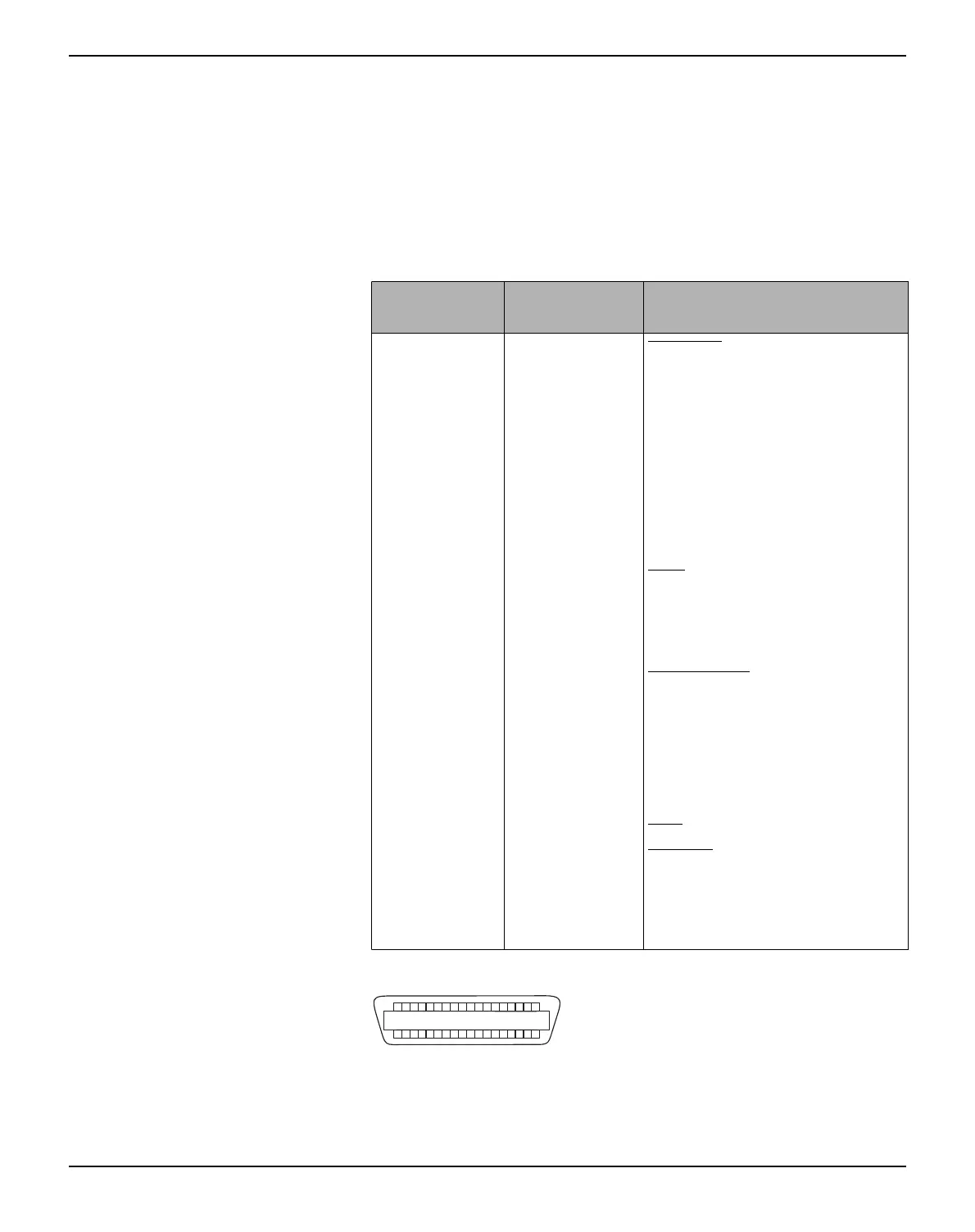
Connector assignment
Transmission length: max. 2,0 m
Connector no.
Direction
Printer–PC
Signal
1 ← STROBE
(active low)
2 ← DATA 1
3 ← DATA 2
4 ← DATA 3
5 ← DATA 4
6 ← DATA 5
7 ← DATA 6
8 ← DATA 7
9 ← DATA 8
10 → ACK
(active low)
11 ↔ BUSY
12 ↔ PAPER EMPTY (PE)
13 ↔ SELECT
14 ↔ AUTO FEED
(active low)
15 not used
16 – SIGNAL GROUND
17 – CHASSIS GROUND
18 – 5 V (Imax = 500 mA)
19–30 – SIGNAL GROUND
31 ← INIT
(active low)
32 ↔ ERROR
(active low)
33 – SIGNAL GROUND
34–35 not used
36 ← SELECT IN
18
1
1936



 To Next Page