User guide The Menu
81
Paper parameters (Paper) Selects the paper parameters Formlen (form length), FormAdj (first
printing position) and Head (printhead gap, only if AGA=Off) sepa-
rately for each paper source in the current menu.
Non-installed and with the parameter PapOpt activated options can-
not be selected.
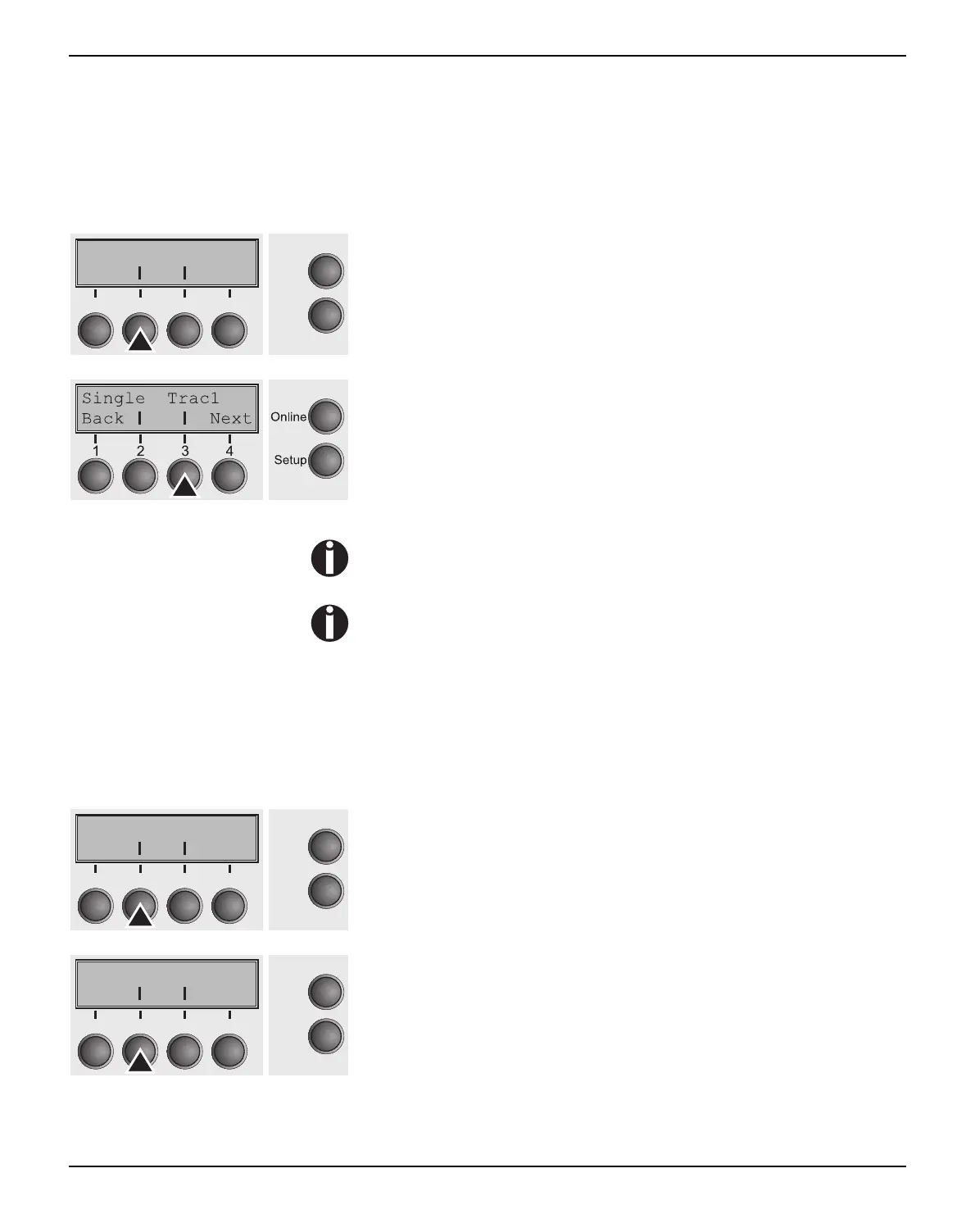
Press Paper (2) key.
You can now choose between the following paper options:
` Tractor 1
` ASF-F (Single sheet feeder front, option)
` ASF-1/2 (Single sheet feeder rear, option)
` Tractor 2 (front, option)
The Single menu option does not apply to this printer
The single sheet feeders front (ASF-F) and rear (ASF-1/2 with
two bins) are available as options for some printer models
only.
Select the desired paperway, in our example Trac1 (2). Press
Next (4) key, to proceed to the installed optional paperways.
Form length (Forml) You can define the form length in one of two ways: via the number
of lines or via standard formats (e.g. DIN A4).
Press Forml (2) key.
If you wish to define the form length via a line format, press Line (2)
key.
Paper AutoTear
Online
Setup
21
3
4
Back Next
Forml FormAdj
Online
Setup
21
3
4
Back Next
Lines Standard
Online
Setup
21
3
4
Back Next



 To Next Page