Advanced menu User guide
114
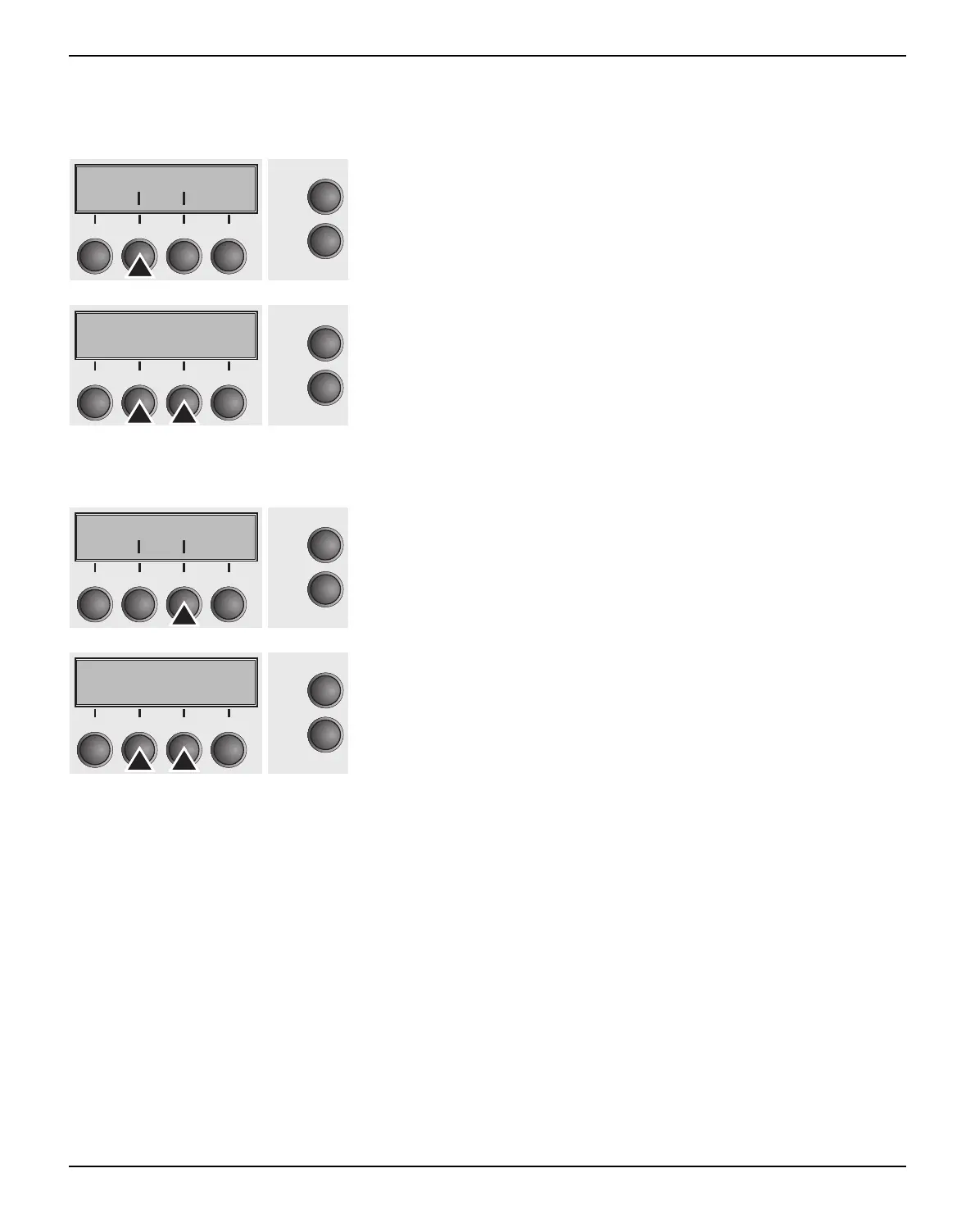
Ignore characters (Ignore) With this function set to On the printer ignores the character defined
in IgnorChr.
Select the Ignore (2) menu.
Setting options: On/Off
Default setting: Off
Confirm the setting by pressing the Set (1) key.
Ignore character (IgnorChr) Set the character to be ignored as a decimal number.
Select the IgnorChr (3) menu.
Setting options: 0–255
Default setting: 0
Confirm the setting by pressing the Set (1) key. Change to the next
parameter group with the Next key (4).
Ignore IgnorChr
Online
Setup
21
3
4
Rück Vor
Ignore=Off *
Online
Setup
21
3
4
Set < > Exit
Ignore IgnorChr
Online
Setup
21
3
4
Back Next
IgnorChr=0 *
Online
Setup
21
3
4
Set < > Exit



 To Next Page