User guide Troubleshooting
125
Paper moved too far to the right.
Preprinted black area on the left
side of the paper
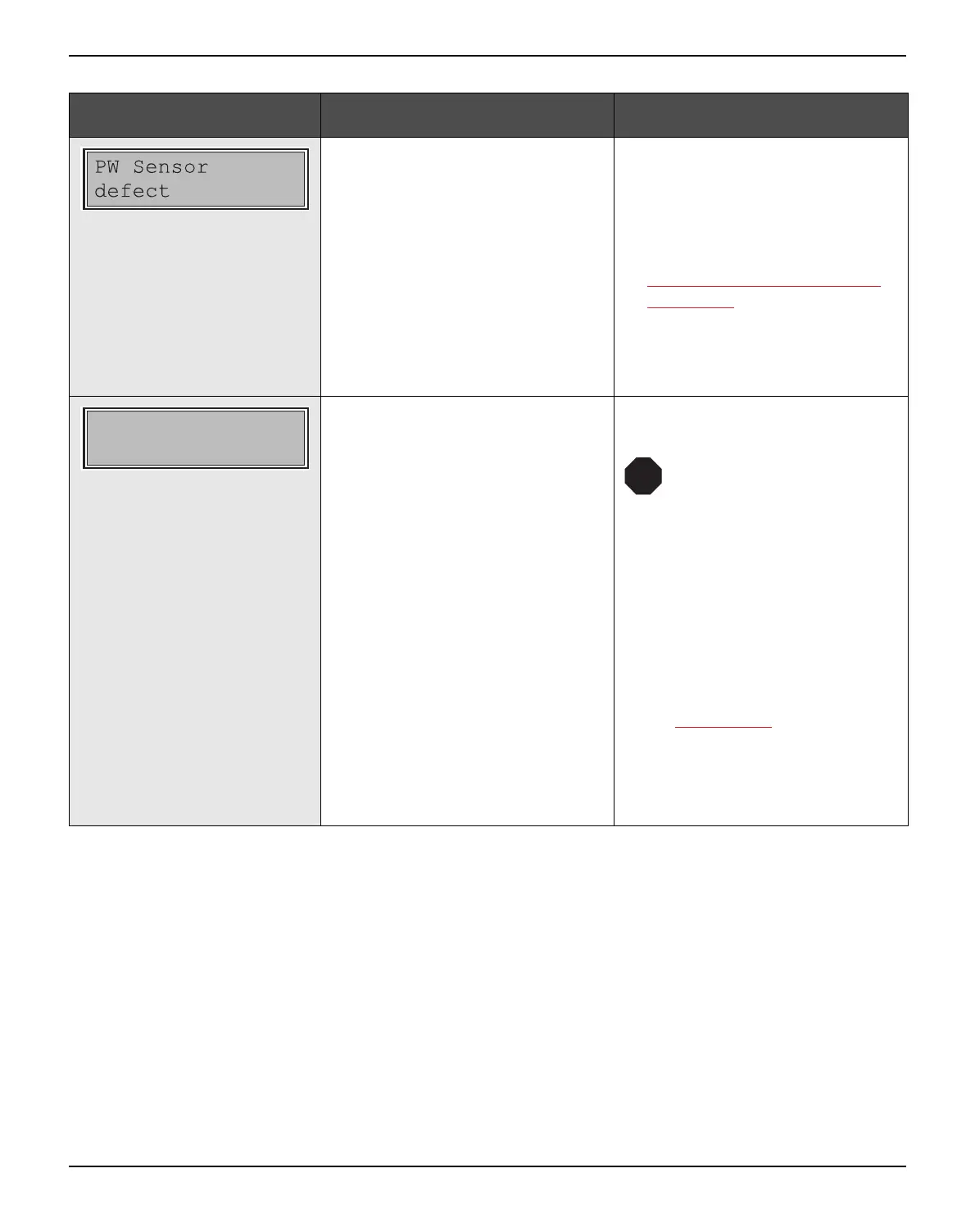
Paper width sensor defect.
` Remove all paper from the
printer, align paper correctly on
the left side.
` Use different paper.
` Disable the APW sensor, see
Automatic paper width detec-
tion (APW), (page 110).
If you cannot remove the error,
please contact your technical ser-
vice.
The ribbon misses, is damaged
and blocked or a non-genuine rib-
bon is installed.
` Only use genuine ribbon cas-
settes of the manufacturer.
During the process of ini-
tialization after powering
on, the printer checks if a
ribbon cassette is
installed. It also checks
during the execution of a
print job the operative-
ness of the ribbon cas-
sette. These functions
mandatory require the
use of the manufacturers
original ribbon cassettes
Accessories
, (page 177).
` Replace the ribbon.
` Check that the print head car-
riage moves easily.
Message Possible cause Corrective action
Check Ribbon
STOP


 To Next Page
 Loading...










