User guide Inserting the ribbon cassette
15
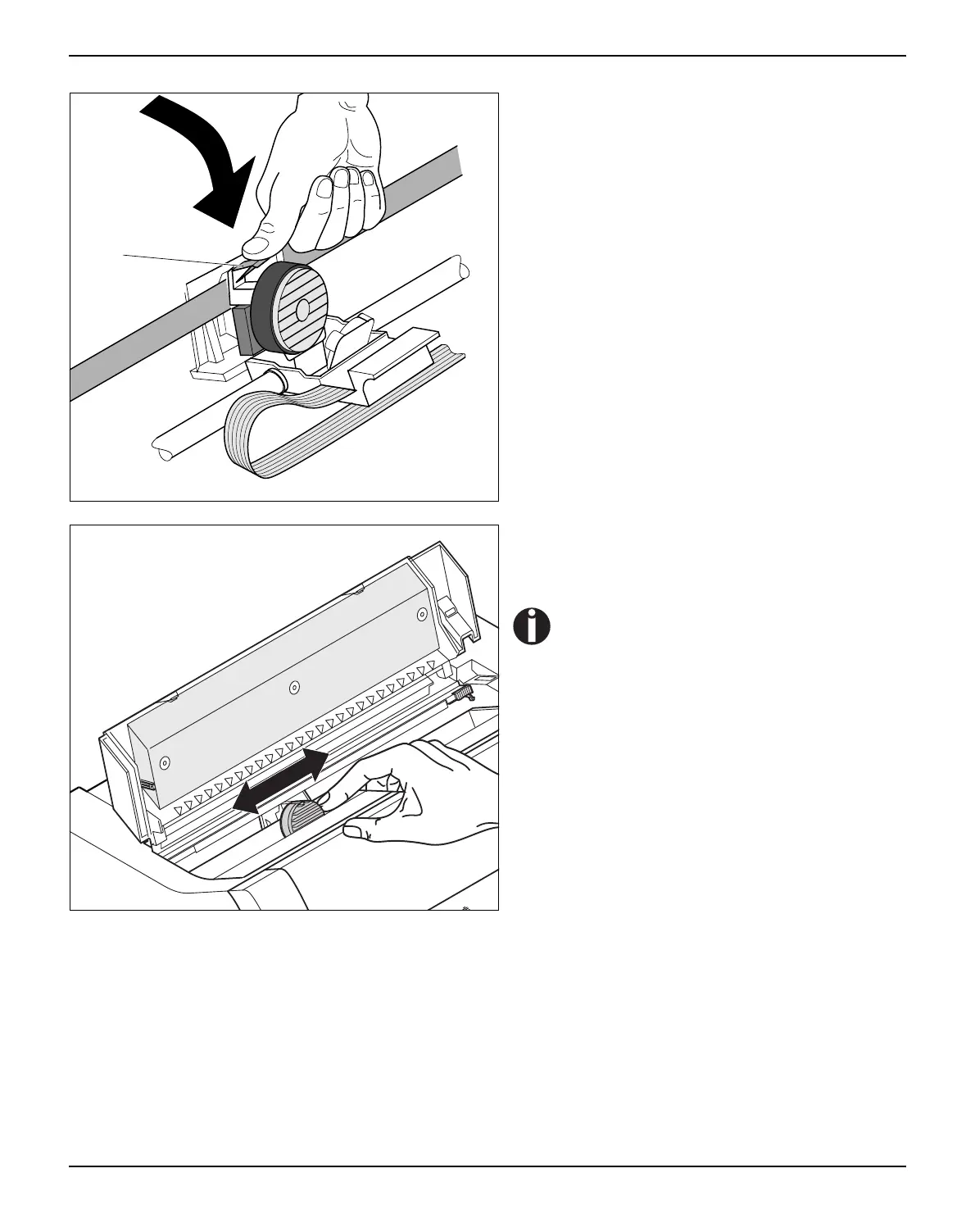
Press down the coloured insertion tongue A.
Move the print head carriage back and forth sev-
eral times. If the ribbon is correctly seated, there
must be no perceptible resistance.
The ribbon should be transported dur-
ing the travel from left to right. If this is
not the case, you should check that the
ribbon cassette is correctly inserted on
the right.
A



 To Next Page