56 H-Class
System Settings (continued)
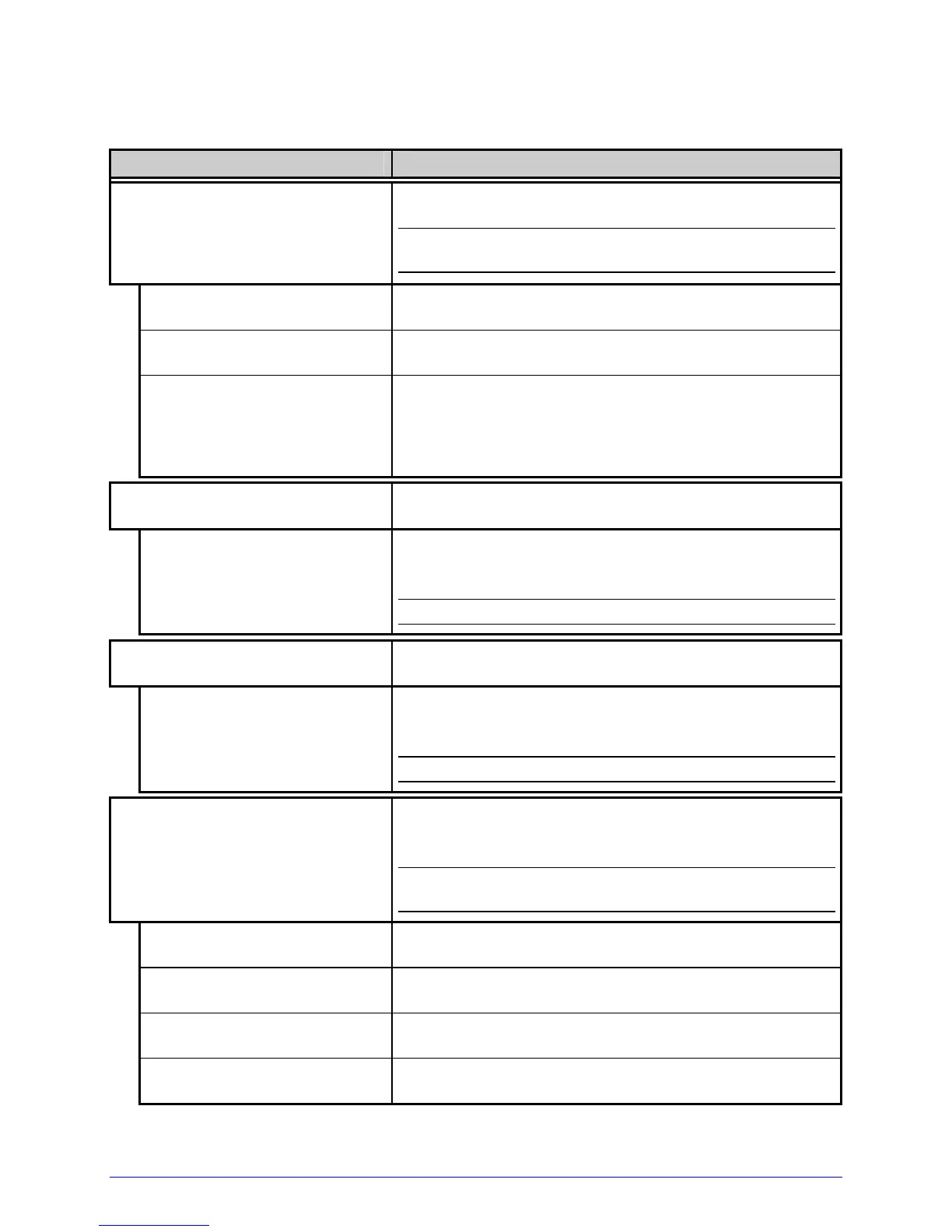
Menu Item Details
INPUT MODE
Defines the type of processing that occurs when data
is received, where:
;
See the Class Series Programmer’s Manual for
detailed information.
DPL
Processes data for standard DPL printing.
LINE
Processes data for Line Mode (template) printing.
PL-Z
Processes alternative programming language data,
with the exception of the following parameters:
• DPL SOP Emulation; and,
• DPL Label Store.
COLUMN EMULATION
Allows the column dot count to be adjusted, where:
XXX (XXX – XXX DOTS)
Is the printed number of dots per inch (or mm)
thereby reducing the width of the produced format;
see Appendix B.
;
No adjustment occurs at the default setting.
ROW EMULATION
Allows the row dot count to be adjusted, where:
XXX (XXX – XXX DOTS) Is the printed number of dots per inch (or mm)
thereby reducing or enlarging the length of the
produced format; see Appendix B.
;
No adjustment occurs at the default setting.
SOP EMULATION
Allows the Start of Print command to function with
backward compatibility when printing legacy model
label formats, where:
;
Two labels will automatically feed to establish the
selected position.
DISABLED
Uses the H-Class print position.
110 (PRODPLUS)
Emulates the Prodigy Plus
®
print position.
220 (ALLEGRO)
Emulates the Allegro
®
print position.
250 (PRODIGY)
Emulates the Prodigy
™
print position.


 To Next Page
 Loading...