100
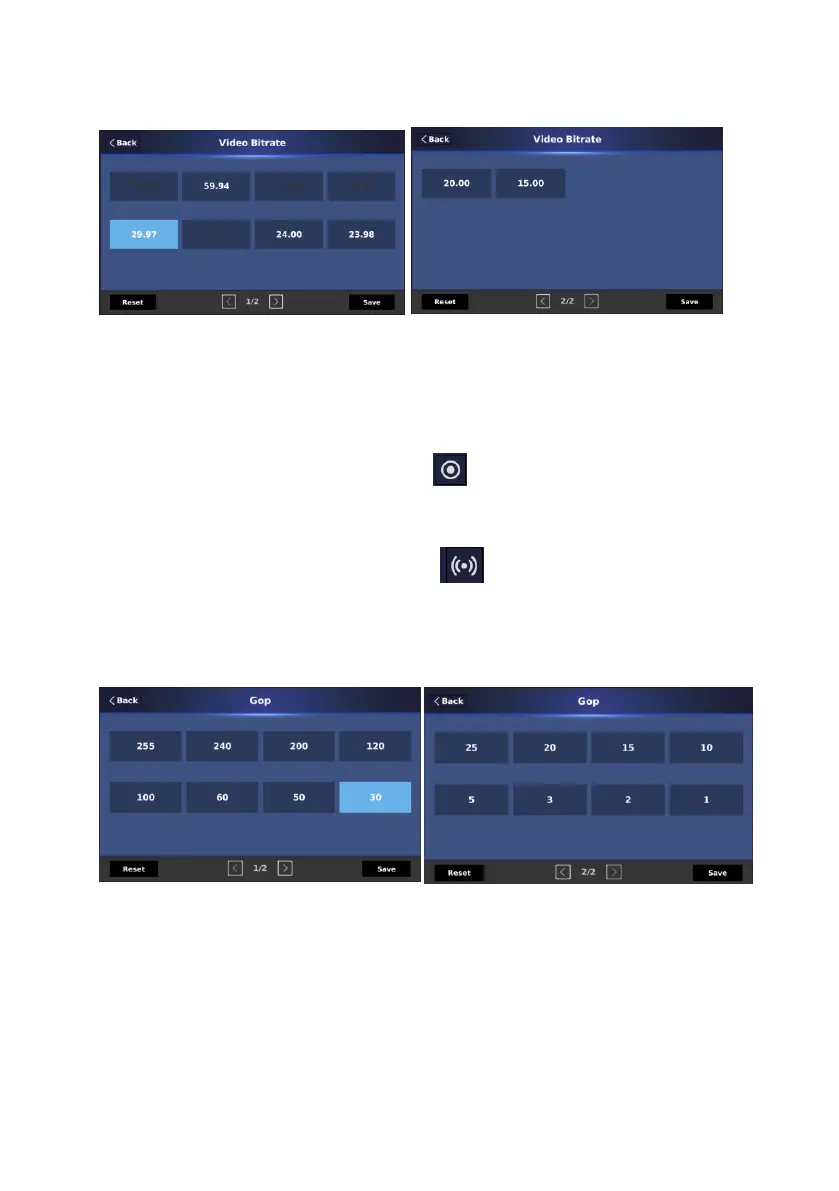
5. Frame Rate: This option allows you to select your desired frame rate for the
main or sub encoder.
6. Level: The “Level” option is fixed at “High 4.2” and can not be adjusted by
users.
7. “Record” icon: You can press this icon to switch to the “Recorder” page
of the “Encoding” option.
8. “Stream” icon: You can press this icon to switch to the “Stream” page
of the “Encoding” option.
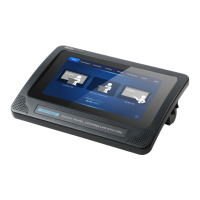
9. GOP: This option allows you to select your desired “GOP” value.
10. Audio Bitrate: This option allows you to set your desired audio bitrate.


 To Next Page