63
11.2 Operation Steps for the VGB-2000 App for TPC-
700/TPC-700P
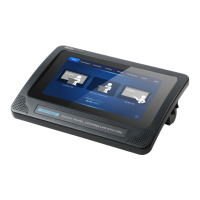
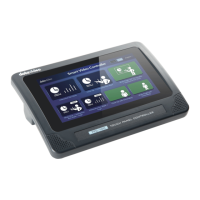
The Datavideo TPC-700 Touch Panel Controller allows users to tap the option
which is shown on the screen for applying the pre-saved effects that are set by
the SE-1200MU. This allows users to use more simple way for applying their
desired effects when shooting the teaching videos. For the operation of the
TPC-700, please see following steps.
Step 1. At first, please use a D-Sub 9 pin to RJ-45 adapter cable to connect
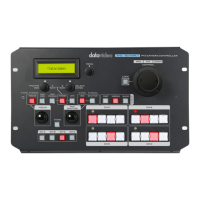
from the RS-232 interface which is on the rear panel of the VGB-2000 to the
RJ-45 interface of the TPC-700.
Step 2. After the preset settings of the SE-1200MU are set, users can apply
their desired effects by tapping the option which is shown on the TPC-700
screen directly.
Single Camera Effects
Close Up+ Interactive Pen Mark


 To Next Page