16
Chapter 4 How to turn on and turn off the
power of the TPC-700/TPC-700P
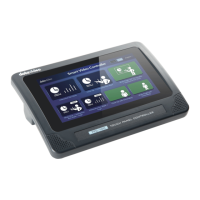
How to Turn On the Power
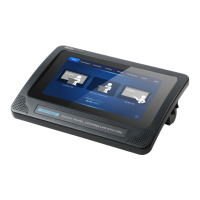
Please use the ON/OFF power switch which is located on the right side
of the TPC-700/TPC-700P to turn on the power of the TPC-700/TPC-
700P.
How to Turn Off the Power
Use the ON/OFF switch: Please use the ON/OFF power switch
which is located on the right side of the TPC-700/TPC-700P to
turn off the power of the TPC-700/TPC-700P
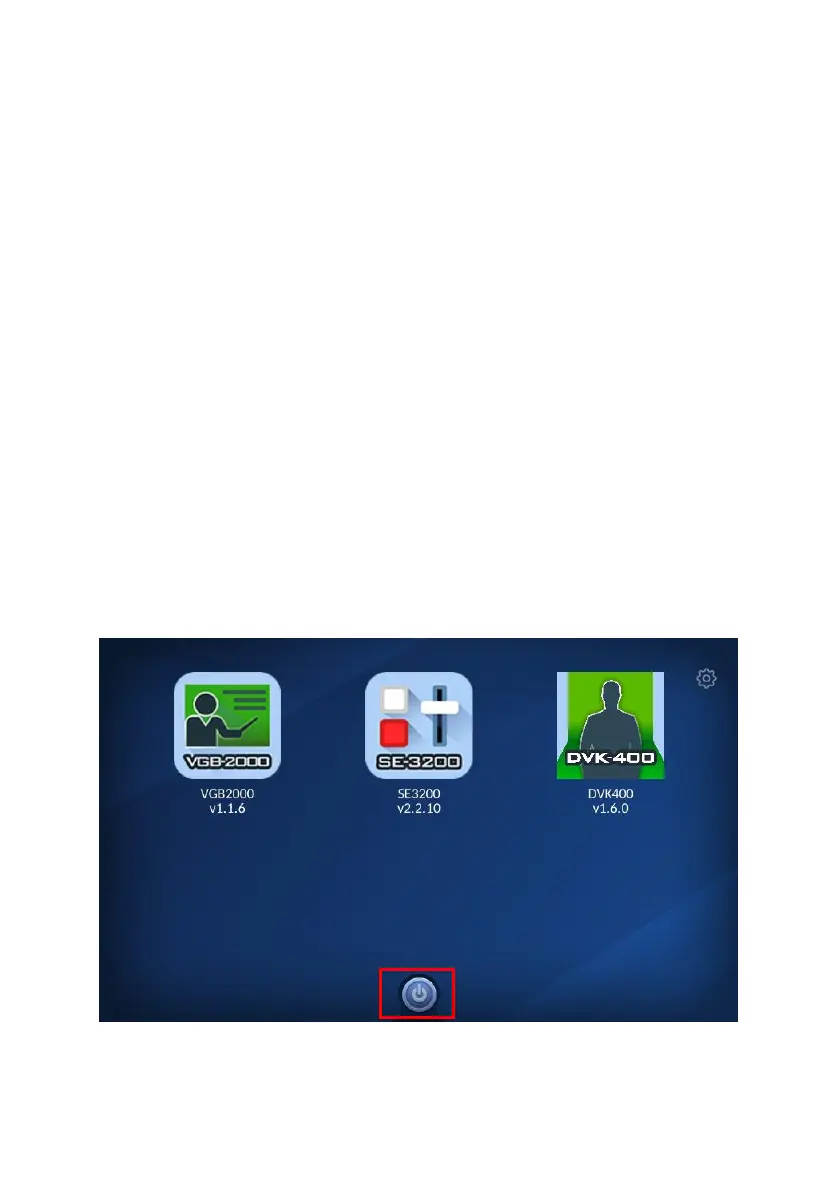
Use the APP: There is a Power-Off button which is located at the
bottom side of the TPC-700 APP. Press this button can turn off
the power of the TPC-700/TPC-700P.


 To Next Page