70
Chapter 12 Interface Introduction of the TPC-700/TPC-
700P Built-in DVK-400 App
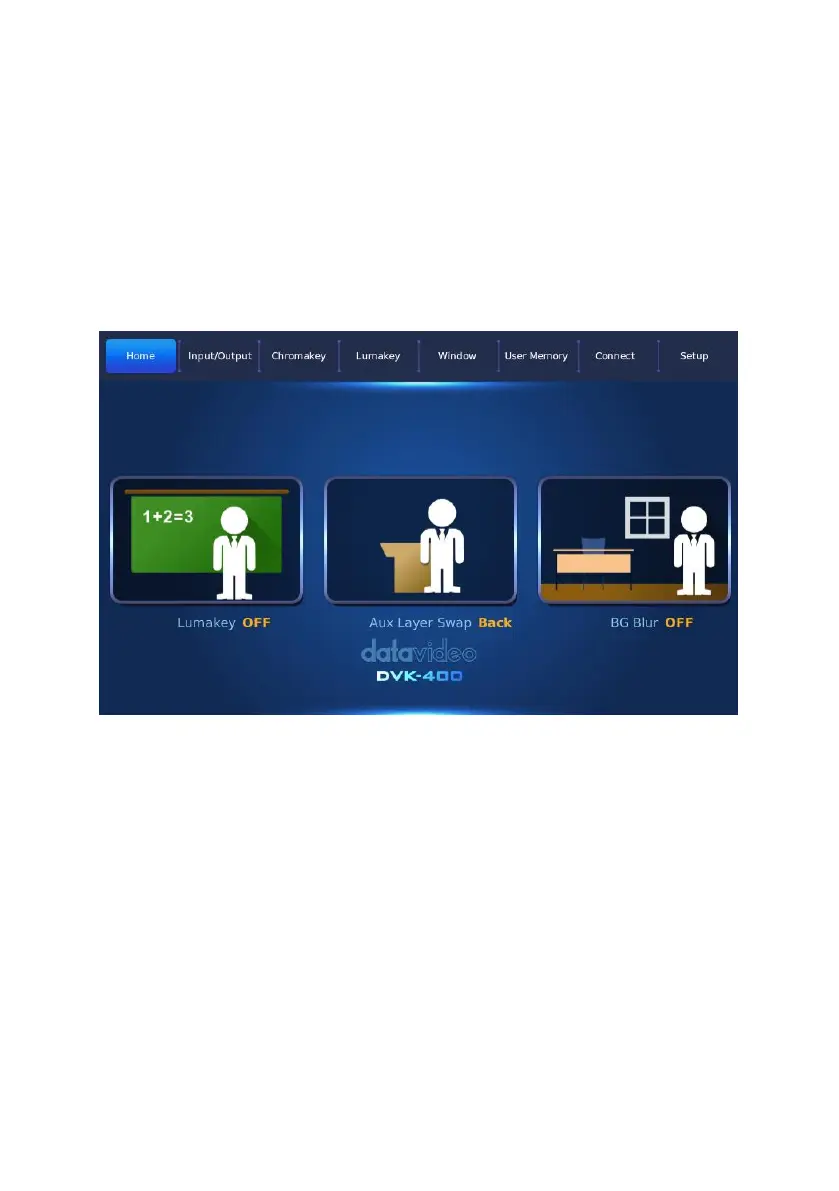
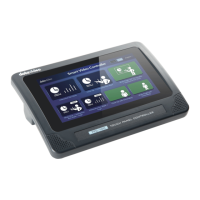
The Datavideo TPC-700/TPC-700P built-in DVK-400 app includes “Home”,
“Input/Output”, Chromakey”, “Lumakey” “Window”, “User Memory”,
“Connect” and “Setup” options for users to control the DVK-400 remotely by
using the TPC-700/TPC-700P and the RJ-45 Ethernet cable connection. The
main interface of the TPC-700/TPC-700P built-in DVK-400 app is shown in the
following diagram.
12.1 Home
After related parameters in the DVK-400 PC App are set in advance, the
“Home” option provides three buttons including “Lumakey ON/OFF”, “AUX
Layer Swap Front/Back” and “BG Blur ON/OFF” for you to control the related
functions.


 To Next Page