46
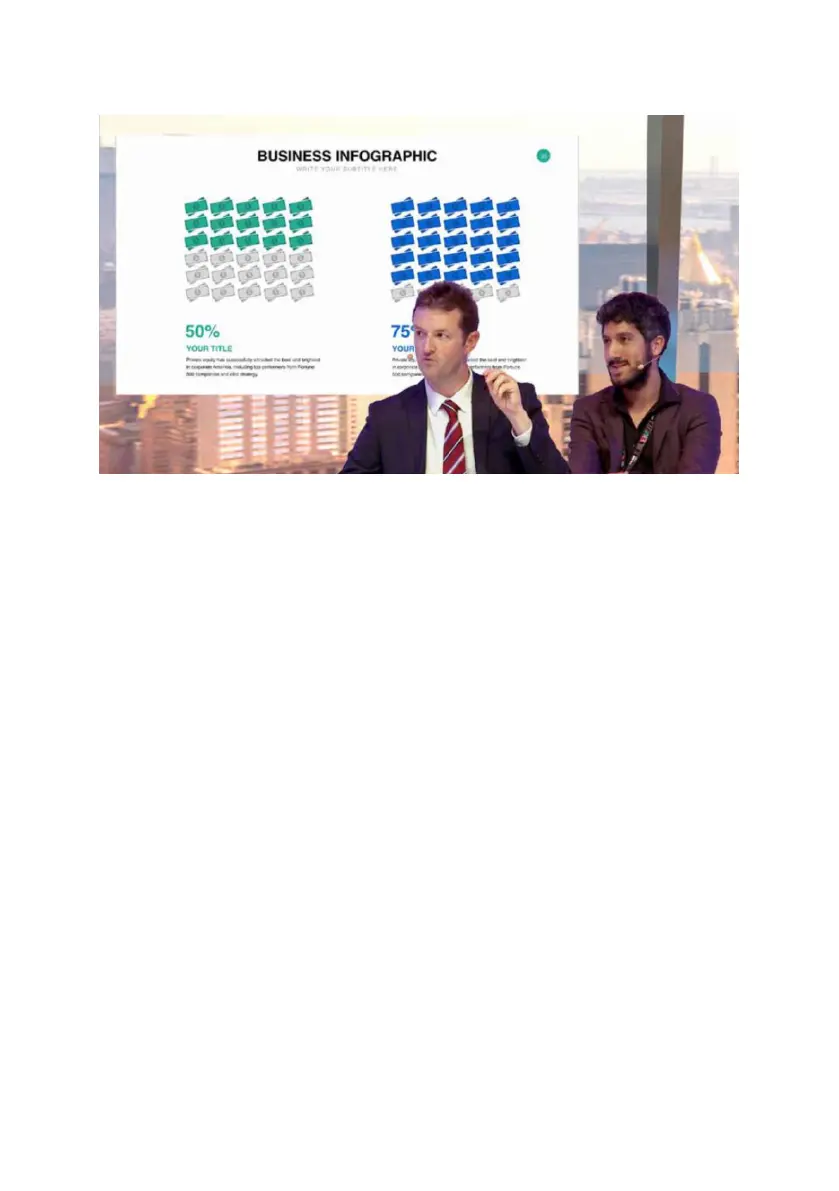
8. Talent B close-up with background + PC Source.
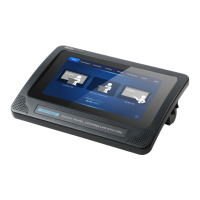
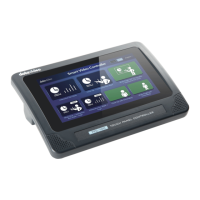
10.1.1 How to Recall the Pre-saved Virtual Scenes by the TPC-
700/TPC-700P
Please recall the pre-saved virtual scenes by following steps.
1. Please make sure that all of the 8 virtual scenes are saved into the No. 101
to No.108 User Mems in advance. Moreover, please make sure that the SE-
3200 main unit, the control panel, the TPC-700/TPC-700P and the router are
connected correctly.
2. Please tap your desired virtual scene mode directly from the TPC-700/TPC-
700P for recalling the corresponding virtual scene.


 To Next Page