57
10.6 Setup
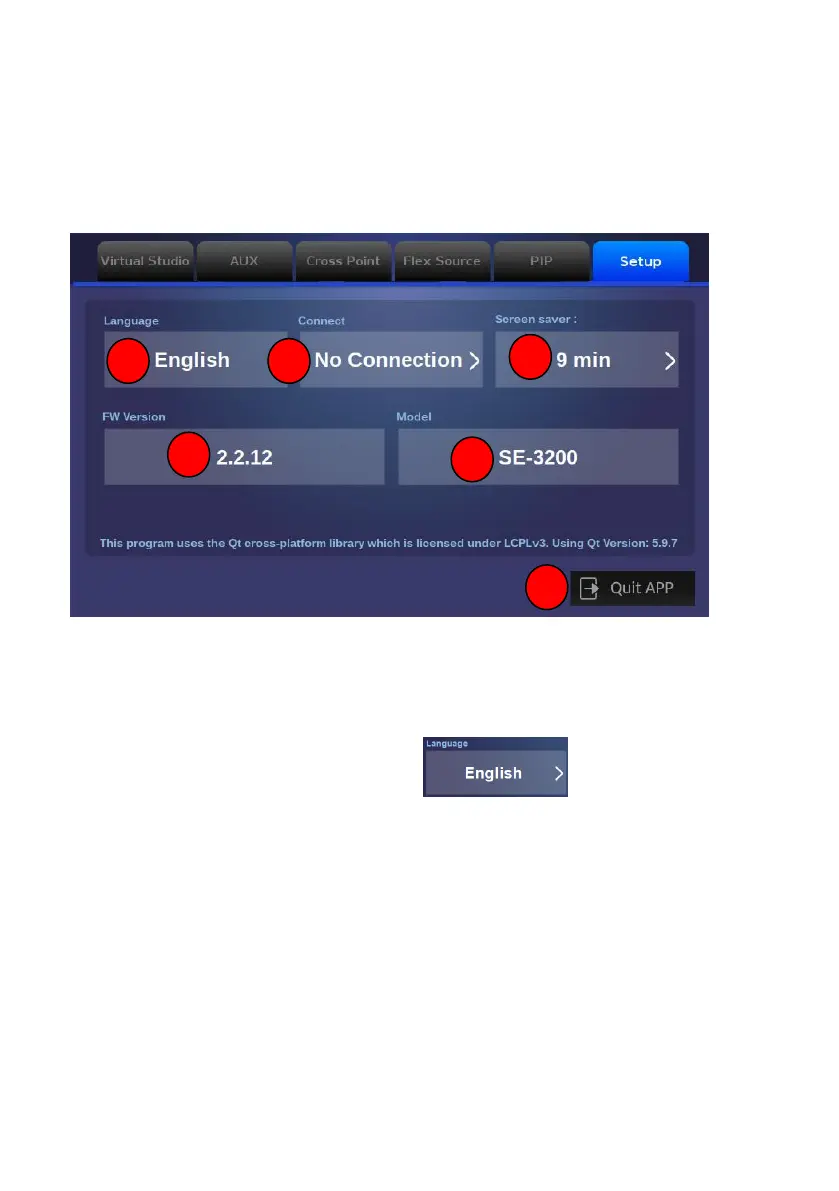
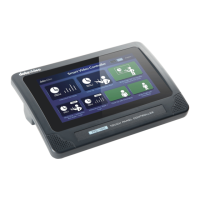
The built-in SE-3200 control interface of the TPC-700/TPC-700P allows users to
set many parameters including Language, Connect, Screen Saver, FW Version
and Model. The main interface for the Setup is shown as the following
diagram.
1. Language: This button allows users to select three different language
interfaces including Traditional Chinese, English and Simplified Chinese.
Please tap this “Language” button .


 To Next Page