32
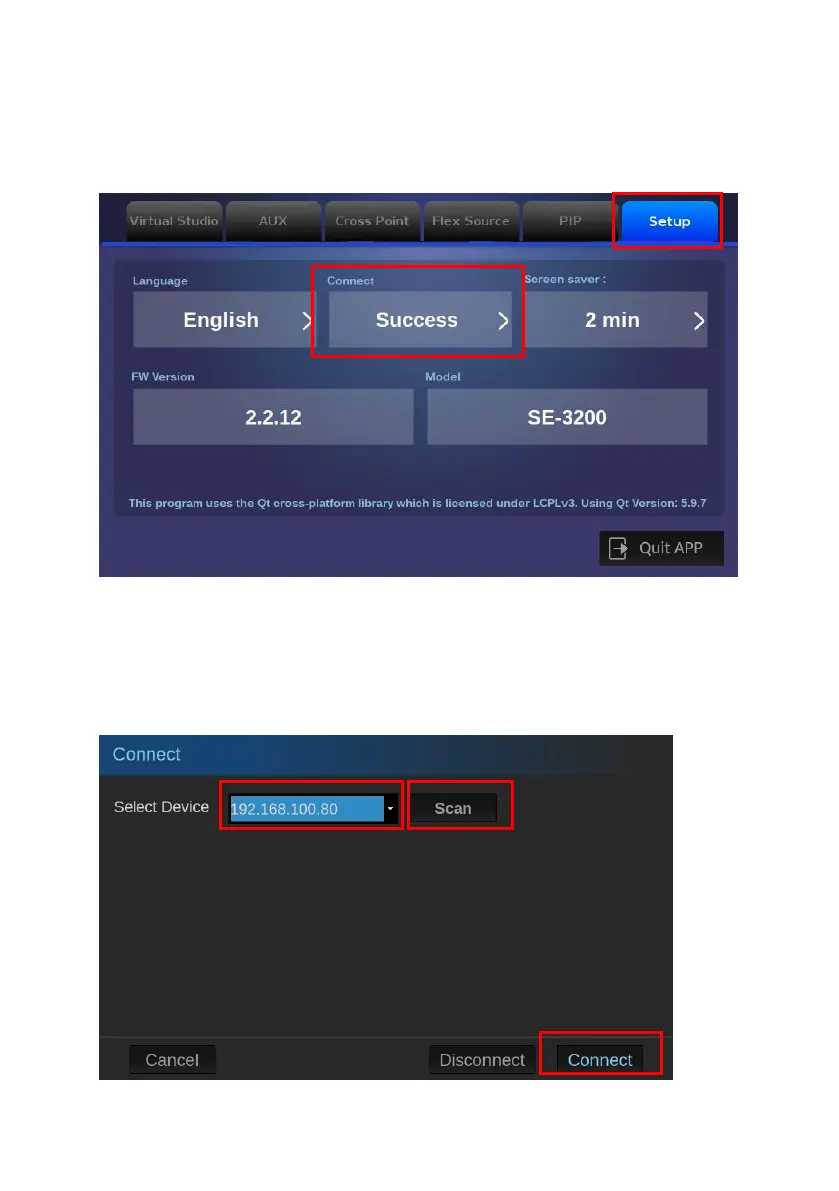
5. After entering the SE-3200 App, please tap the “Setup” option and then
click the “Connect” button.
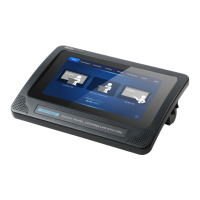
6. Please click the “Scan” button to find the connected SE-3200. Please select
the IP address of the connected SE-3200 from the drop-down menu and then
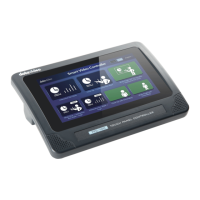
tap the “Connect” button to connect the TPC-700/TPC-700P to the SE-3200.


 To Next Page