92
this button and then press the user name which should be deleted. After
that, please press the “Apply” button. You will see a reminder, please
press the “Delete” button to delete the selected user.
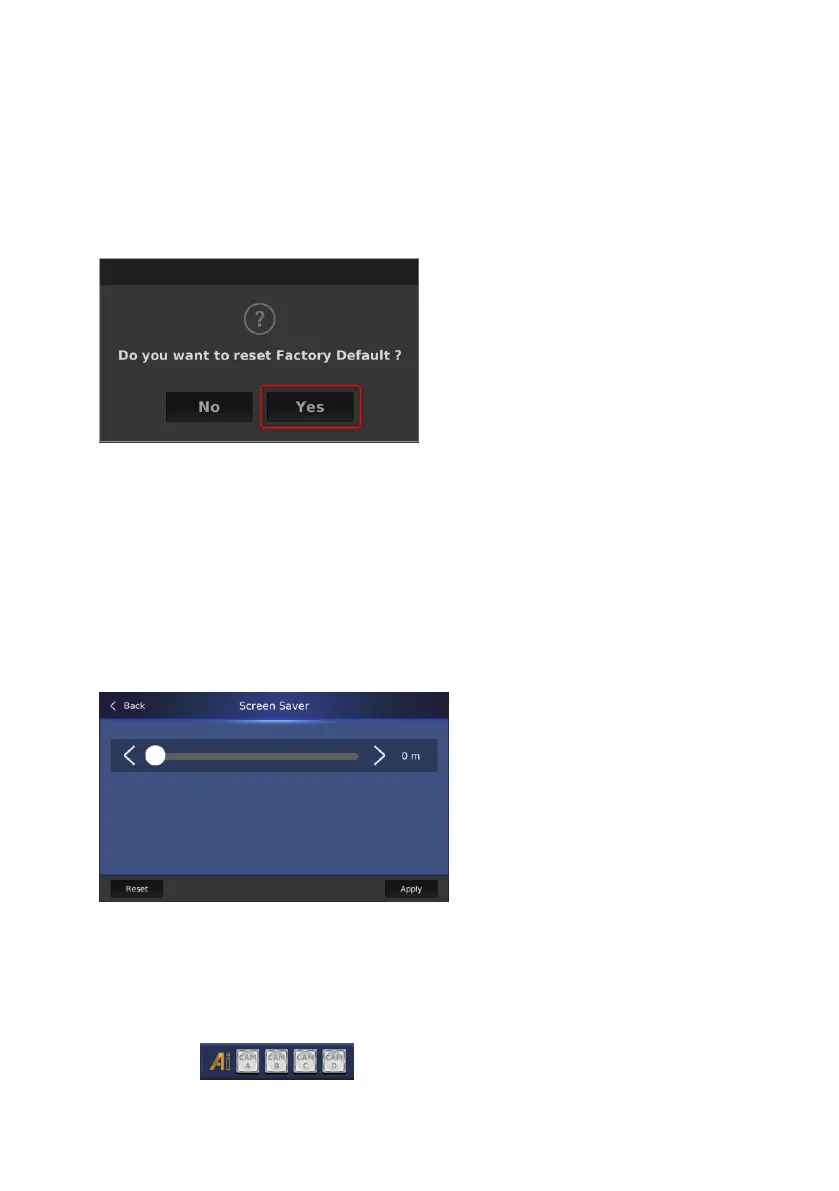
C: Factory Default: This button allows you to reset the app to its factory default
value. Please press this button and then you can see a reminder. After that,
please press the “Yes” button to reset it.
D: Auto DVIP Scan: Please press this button to turn on or turn off the Auto
DVIP Scan function.
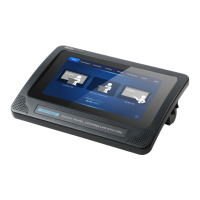
E: Screen Saver: This button allows you to set the wait time for activating the
screen saver. Please press this button to adjust the wait time for activating the
screen saver by a slider. The adjusting range is 0-100 min. After the adjustment
is done, please press the “Apply” button to apply it.
F: App Version: This option allows you to see the current ZR-1 app version.
G: Quit App: Please press this button to quit the ZR-1 app.
14. AI Auto-Tracking On/Off buttons for CAM A/CAM B/CAM C/CAM D: Those
four buttons are used to turn on or turn off the AI Auto-


 To Next Page