98
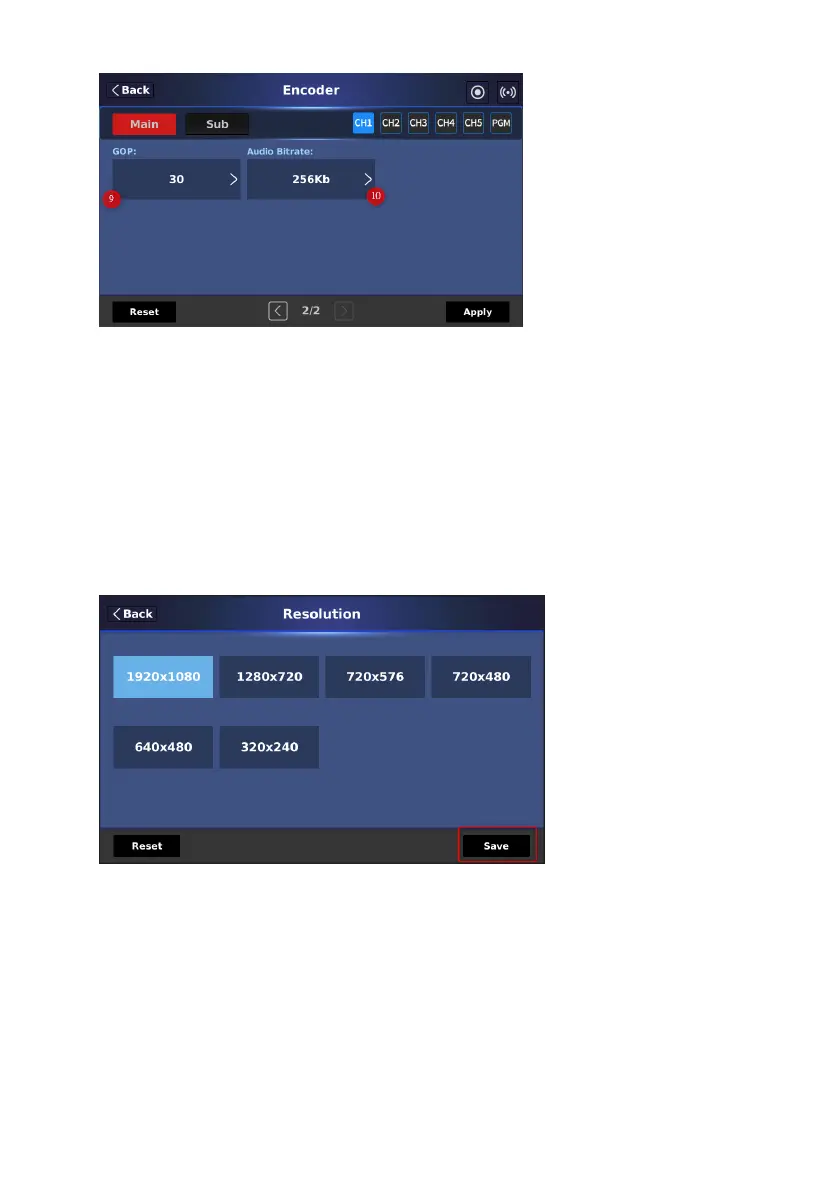
You can tap each option including “Resolution”, “Profile”, “Entropy”,
“Video(bps)”, “Frame Rate” and Level to set your desired value. After that,
please press the “Save” button in each page. After all of the parameters are set,
please press the “Apply” button. Press the “Reset” button to reset it to factory
default value.
1. Resolution: This option allows you to set your desired resolution for the
main encoder or sub encoder.
2. Profile: This option allows you to set your desired “Profile” including
“Baseline”, “High” and “Main” profiles.


 To Next Page