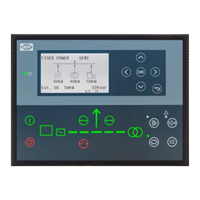
4. Power values
5. Mains symbol
6. Mains breaker
7. The arrows show the direction of the power flow
8. Generator symbol.
• If the symbol has no fill, then the generator is operating.
• If the symbol has a dark fill, then the generator is not operating.
9. Generator breaker
You can select three different options for the bottom view line on the supervision page:
• Option 1: Battery voltage (V) and Battery current (A)
◦ The battery voltage is set to N/A if this is not supported by the selected protocol.
◦ Both values are DC.
• Option 2: State of the Power Conversion System (PCS) and state of the Battery Management System (BMS)
◦ Both are decimal values. Each value corresponds to a different state of the PCS and BMS *.
• Option 3: Charging capacity (kW) and discharging capacity (kW)
◦ If there is no active communication or if there is a communication failure with BMS or BCU then both values are set to N/A.
It is possible to move the supervision page and the values to another view page.
NOTE
* Refer to the PCS and BMS manufacturer's documentation for information about the different states.
5.3.2 Display text
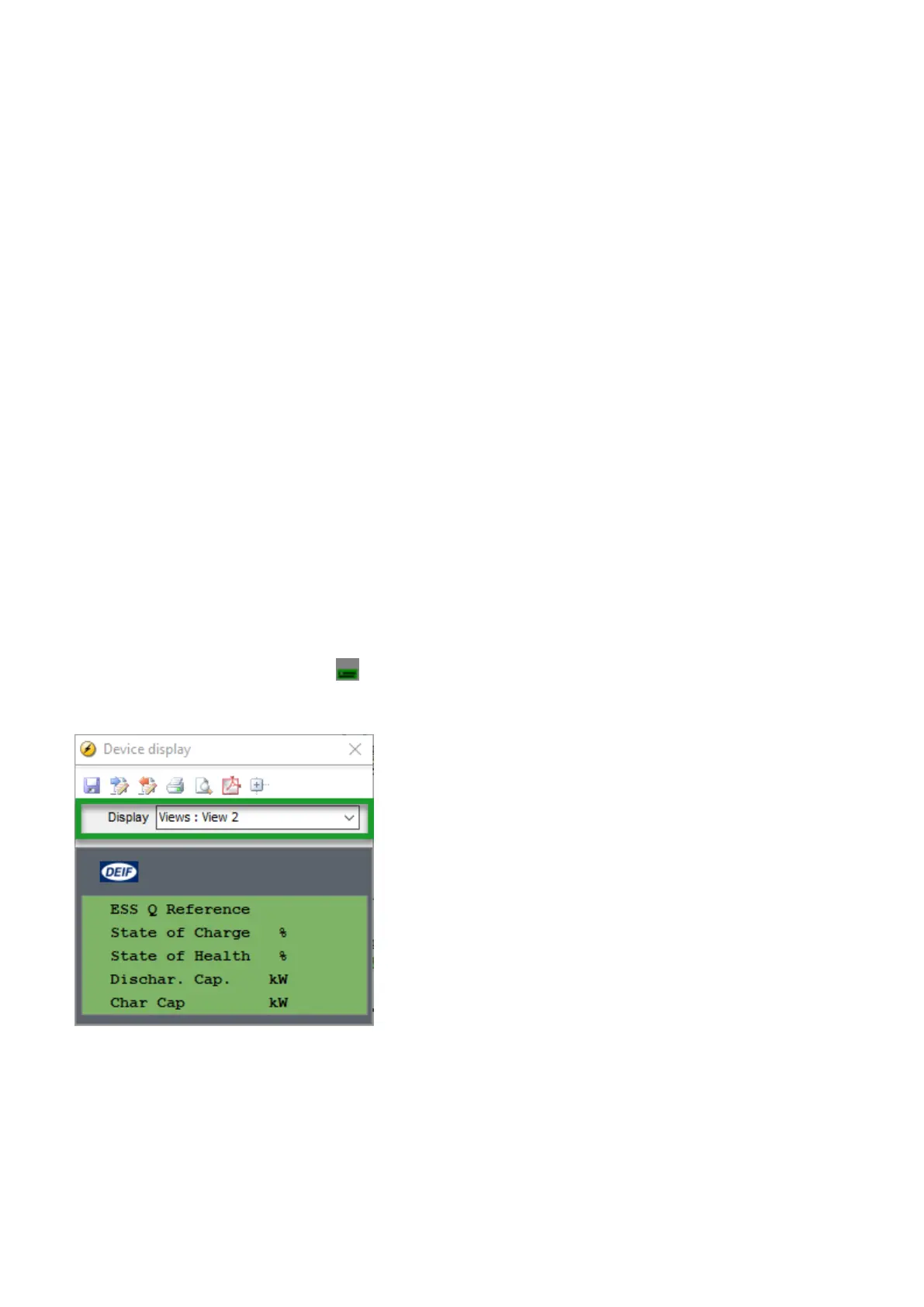
Configure the display views
You can configure the display views with the utility software:
1. Select the Configuration of the user views button in the toolbar.
2. In the pop-up window, select the display view to be changed.
3. Select the display line you want to change.
4. In the pop-up window, select the text you want and click OK.
OPERATOR'S MANUAL 4189341343A EN Page 27 of 36



 To Next Page