User’sGuide
deliberant Page35
SecuritySettings
Both sides (AP and Station) of the link must have the same security settings.
Device supports various authentication/encryption methods:
Open – no encryption.
WEP – 64bit and 128bit key.
Personal – preshared key encryption with WPA/WPA2 using AES or TKIP.
Enterprise – RADIUS server based authentication with WPA/WPA2 encryption using AES
or TKIP (requires configured RADIUS server).
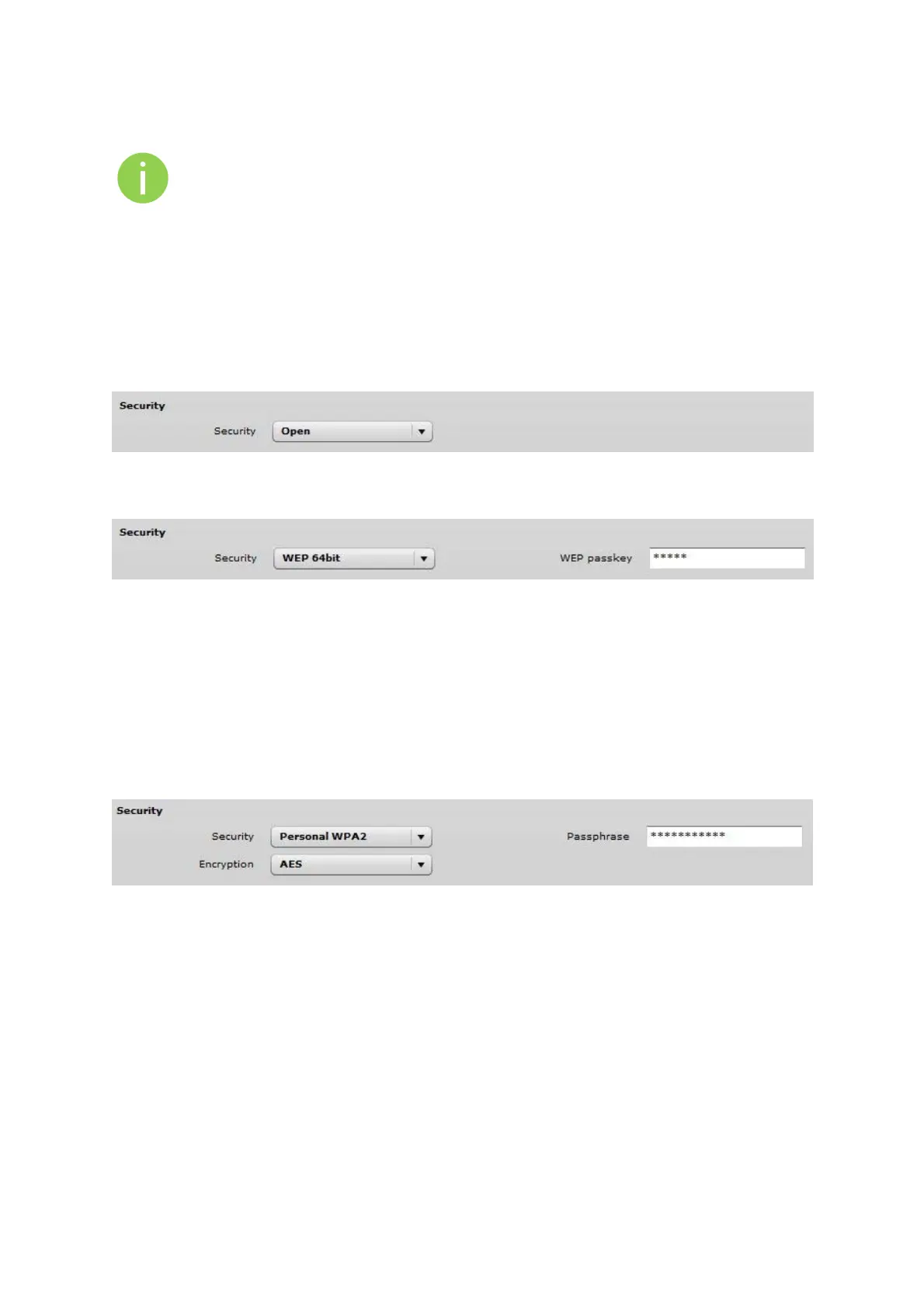
By default there is no encryption enabled on the device:
Figure 28 – Security: Open
WEP encryption can be either 64bit or 128bit:
Figure 29 – Security: WEP Encryption
WEP passkey – specify the passkey, for the chosen WEP security:
For WEP 64bit encryption – 5 HEX pairs (e.g. aa:bb:cc:dd:ee), or 5 ASCII characters (e.g.
abcde);
For WEP 128bit encryption – 13 HEX pairs (e.g. aa:bb:cc:dd:ee:ff:gg:hh:00:11:22:33:44),
or 13 ASCII characters (e.g. abcdefghijklm);
Personal WPA/WPA2 encryption must be specified with the pre-shared key, encrypted with chosen
AES or TKIP method (Auto mode on Station is not available):
Figure 30 –Security: Private WPA/WPA2 Encryption
Passphrase – specify the WPA or WPA2 passphrase [8-63 characters]. The passphrase will be
converted to key format, selected above.
Encryption – specify the encryption algorithm:
AES – passphrase encrypted with AES method.
TKIP – passphrase encrypted with TKIP method.
Station has possibility to use Enterprise WPA/WPA2 encryption with RADIUS authentication. Station
will send requests to AP, which will redirect authentication parameters to required RADIUS server.



 To Next Page