User’sGuide
deliberant Page8
To access the Web management interface, configure your PC with a static IP address on the
192.168.2.0 subnet with mask 255.255.255.0. Connect the AP device in to the same physical network
as your PC. Open the Web browser and type the default IP address of the APC device
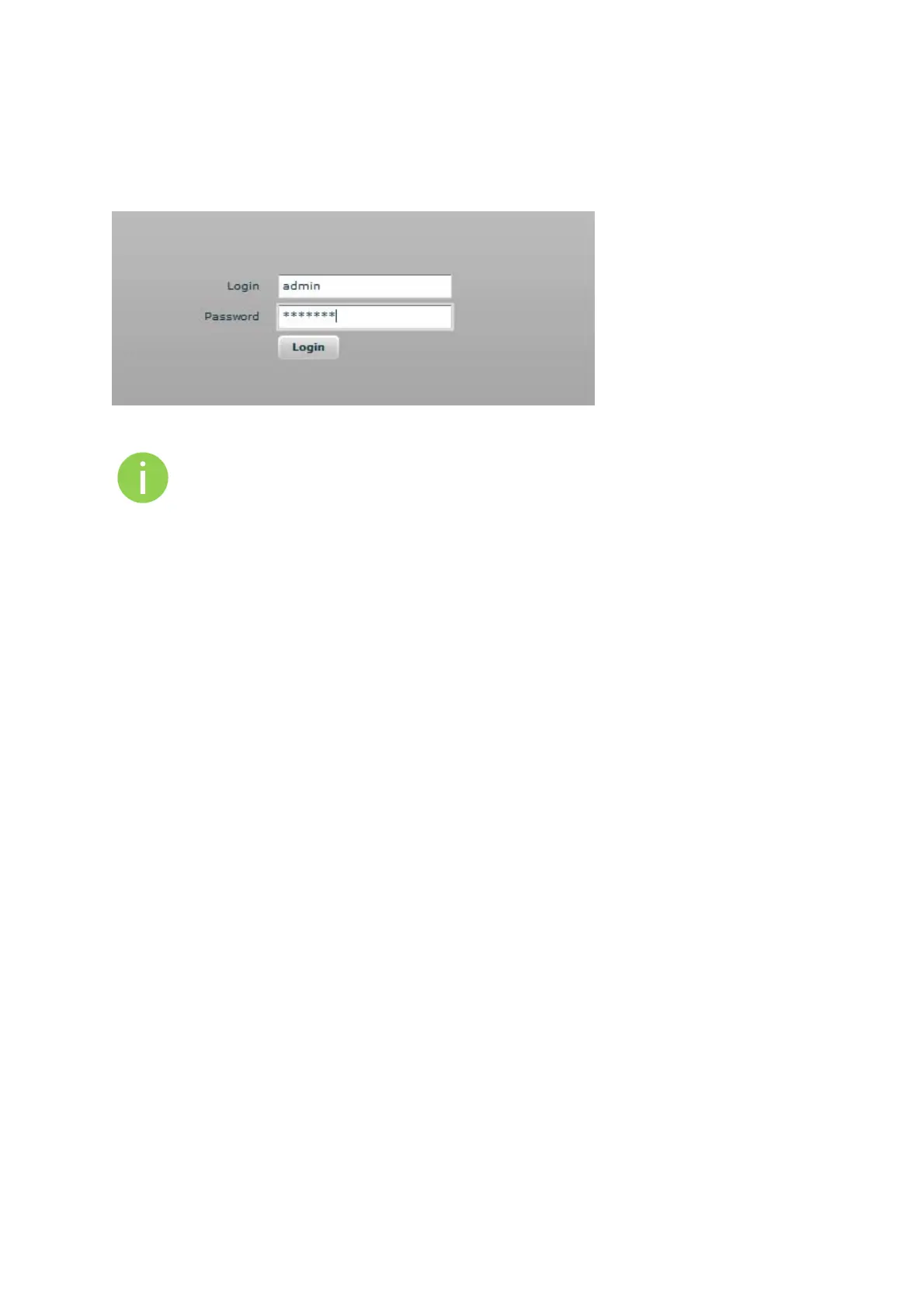
https://192.168.2.66/ and the login page will be loaded. Enter default administrator login
settings:
Figure 1 – Login Page
The default administrator login settings are:
Login: admin
Password: admin01
After successful administrator login you will see the main page of the device Web management
interface. The device now is ready for configuration.
InitialAPSetup
Follow the steps for initial wireless Access Point setup that will be prepared to accept wireless Station
connections (refer to the section Initial Station Setup for instructions).
Step 1. Connect an Ethernet cable between your computer and the AP.
Step 2. Make sure your computer is set to the same subnet as the AP, i.e. 192.168.2.150
Step 3. Start your Web browser.
Step 4. Each devices uses following default settings:
WAN IP: 192.168.2.66
Subnet mask: 255.255.255.0
Username: admin
Password: admin01



 To Next Page