User’sGuide
deliberant Page9
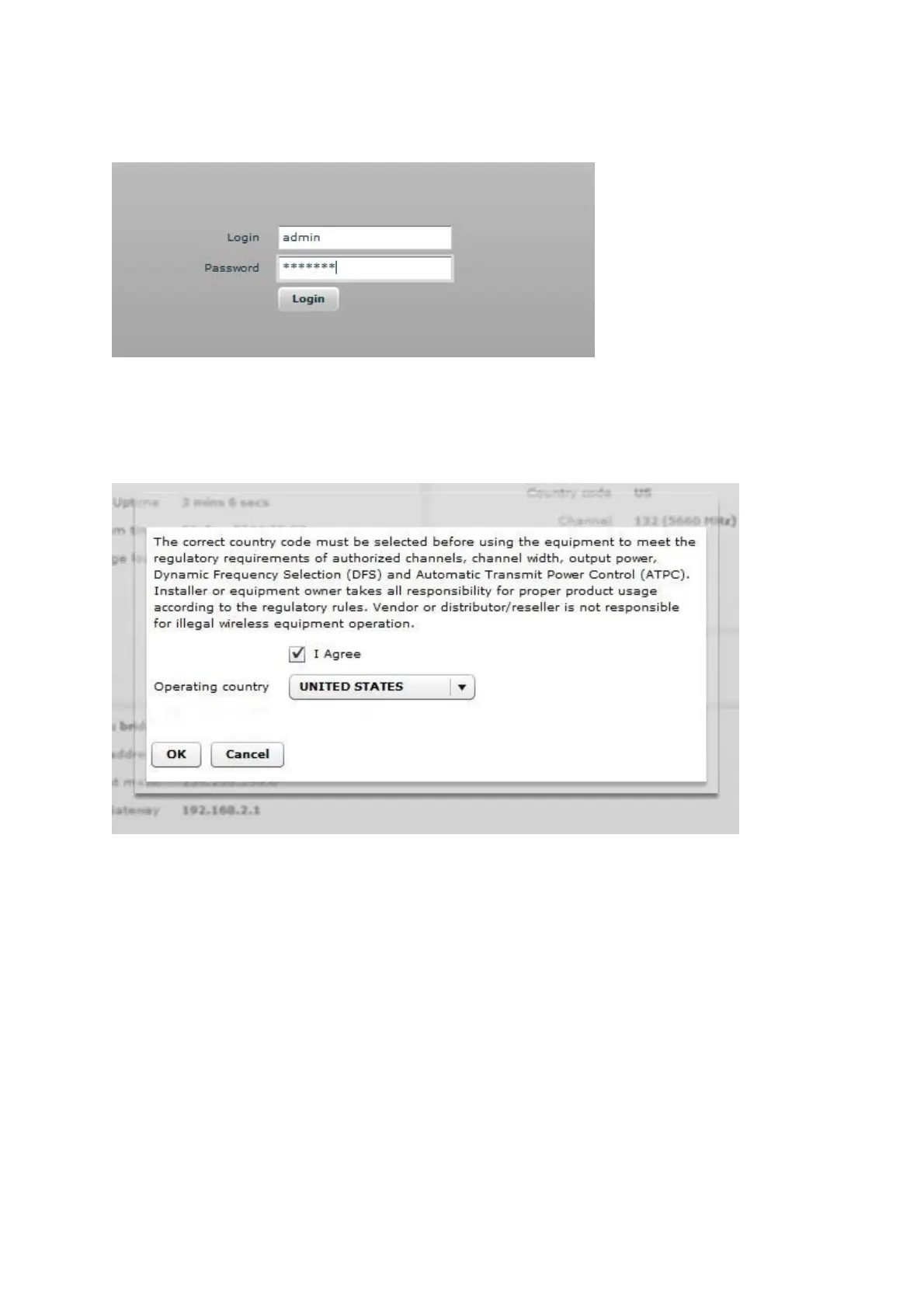
The initial login screen looks as follow:
Step 5. Confirm the disclaimer of the APC. According to the chosen country the regulatory
domain settings may differ. You are not allowed to select radio channels and RF output
power values other the permitted values for your country and regulatory domain.
Step 6. Enter the default password, and then press the Login button to enter the AP web
management page.



 To Next Page