9. Press or button until Tray Settings appears, and then press (Set) button.
10. Press or button until Tray 1 appears, and then press (Set) button.
11. Press or button until Paper Type appears, and then press (Set) button.
12. Press or button until the desired paper types appears, and then press (Set) button.
13. Press button.
14. Press or button until Paper Size appears, and then press (Set) button.
15. Press or button until Custom Size appears, and then press (Set) button.
16. Press or button until the desired paper size appears, and then press (Set) button.
Loading Letterhead
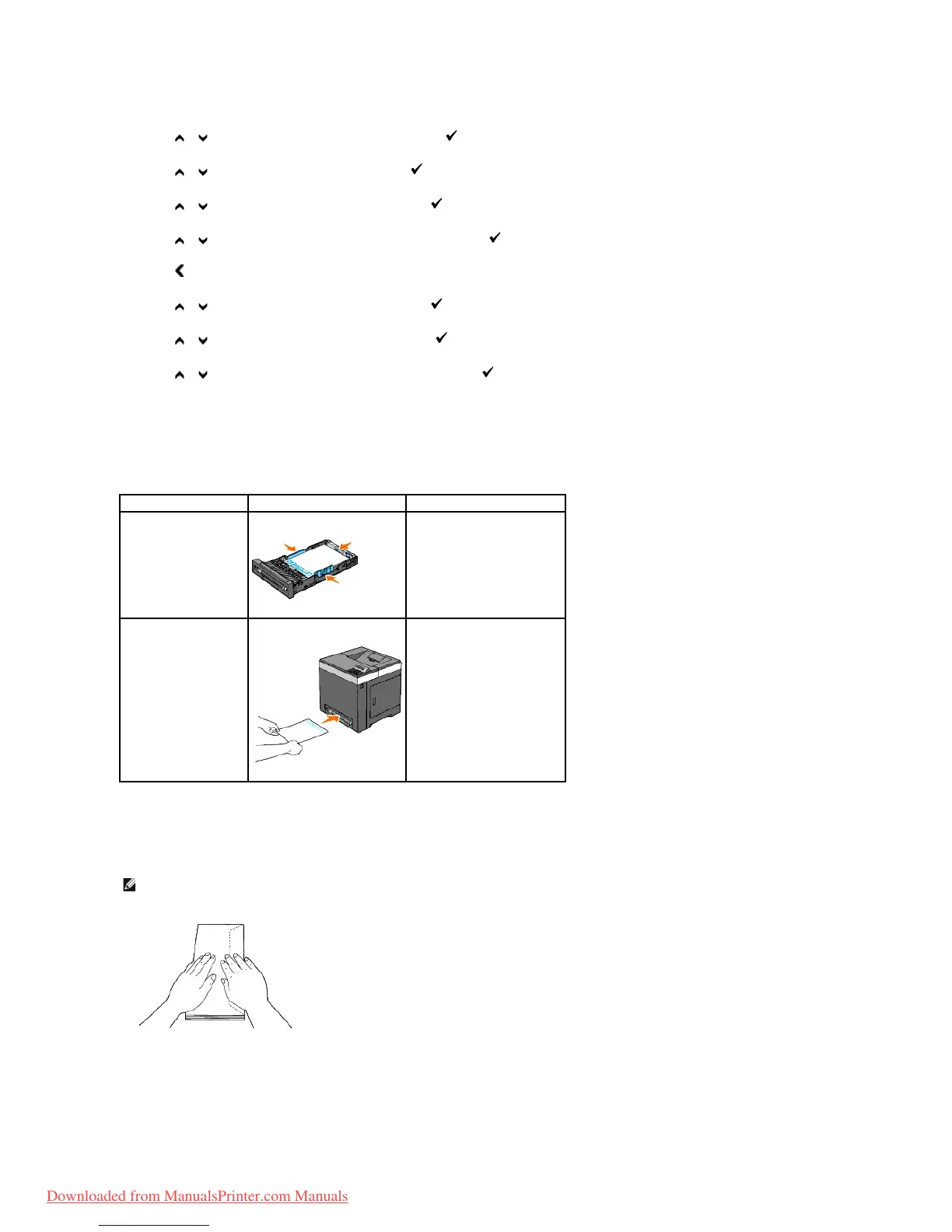
When using the standard 250-sheet tray or optional 250-sheet feeder, the letterhead enters the printer last with the print side facing up.
When using the single sheet feeder, the letterhead enters the printer first with the print side facing down.
Loading Envelopes
Use the following guidelines when loading envelopes in the standard 250-sheet tray:
Envelope#10
Load the envelopes short edge feed with the flaps closed and the print side up. Ensure that the flaps come at the right when you face towards the printer.
NOTE: If you do not load envelopes in the standard 250-sheet tray right after they have been removed from the packaging, they may bulge. To avoid
jams, flatten them as shown below before loading them in the standard 250-sheet tray.



 To Next Page