Printer Jobs
The Printer Jobs menu contains information on the Job List and Completed Jobs pages. These pages show the details of the status regarding each protocol
or the print jobs.
Job List
Purpose:
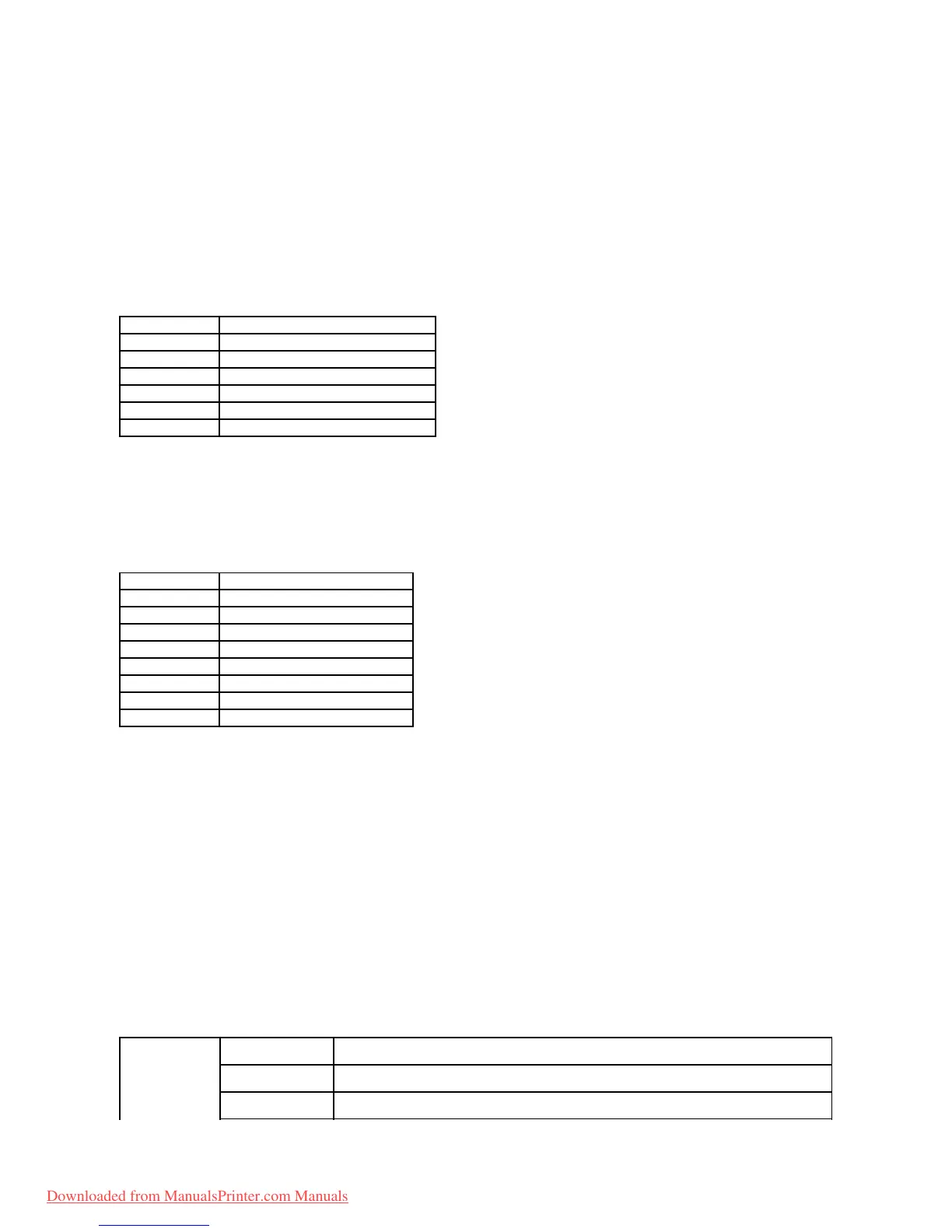
To confirm the print jobs that are being processed. Click the Refresh button to update the screen.
Values:
Completed Jobs
Purpose:
To check the completed jobs. Up to the last 20 jobs are displayed. Click the Refresh button to update the screen.
Values:
Printer Settings
Use the Printer Settings menu to display the Printer Settings Report and to configure the printer settings.
The following tabbed pages are displayed at the top of the Right Frame.
Printer Settings Report
The Printer Settings Report tab includes the Menu Settings and Reports pages.
Menu Settings
Purpose:
To display the current settings of the operator panel menus.
Values:
Displays the file name of the job being printed.
Displays the job owner's name.
Displays the name of the host computer.
Displays the status of the job being printed.
Displays the status of the host interface.
Displays the date the print job was submitted.
Displays the file name of the job.
Displays the job owner's name.
Displays the name of the host computer.
Displays the status of the job.
Displays the job's total number of pages.
Displays the job's total number of sheets.
Displays the status of the host interface.
Displays the date the job was submitted.
Displays the time for transition to Power Saver Mode 1.
Displays the time for transition to Power Saver Mode 2.
Displays whether to emit the tone when the operator panel input is correct. Off indicates that the tone is
disabled.
Downloaded from ManualsPrinter.com Manuals



 To Next Page