Back to Contents Page
About Your Printer
Operator Panel
Protecting Your Printer
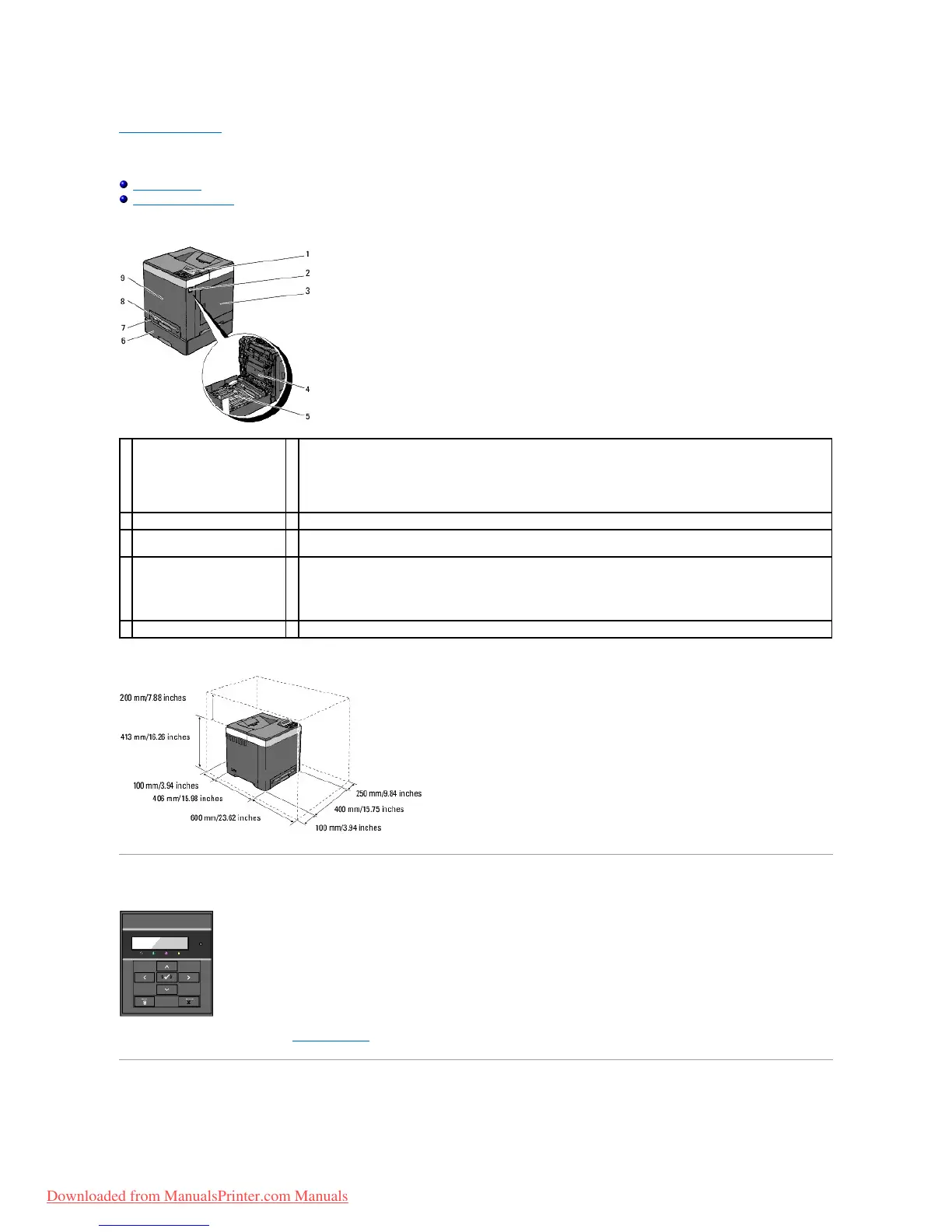
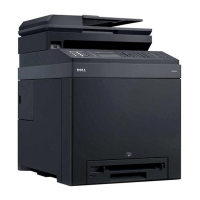
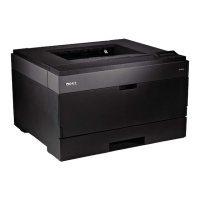
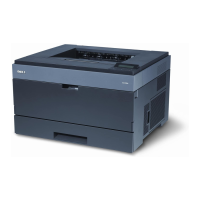
ThefollowingillustrationsshowthestandardDell™2130cnColorLaserPrinter.
Provide enough room to open the printer tray, covers, and option. It is also important to allow space around the printer for proper ventilation.
Operator Panel
For details on the operator panel, see "Operator Panel".
Protecting Your Printer
Optional 250-Sheet Feeder
NOTE: Your printer allows for a maximum of 3 trays (standard 250-sheet tray, optional 250-sheet feeder, and single
sheet feeder).
Side Cover (toner cartridges
inside)
Front Cover
NOTE: You can open the front cover by pushing the Side Button.
Duplexer (Sold separately)
Downloaded from ManualsPrinter.com Manuals



 To Next Page