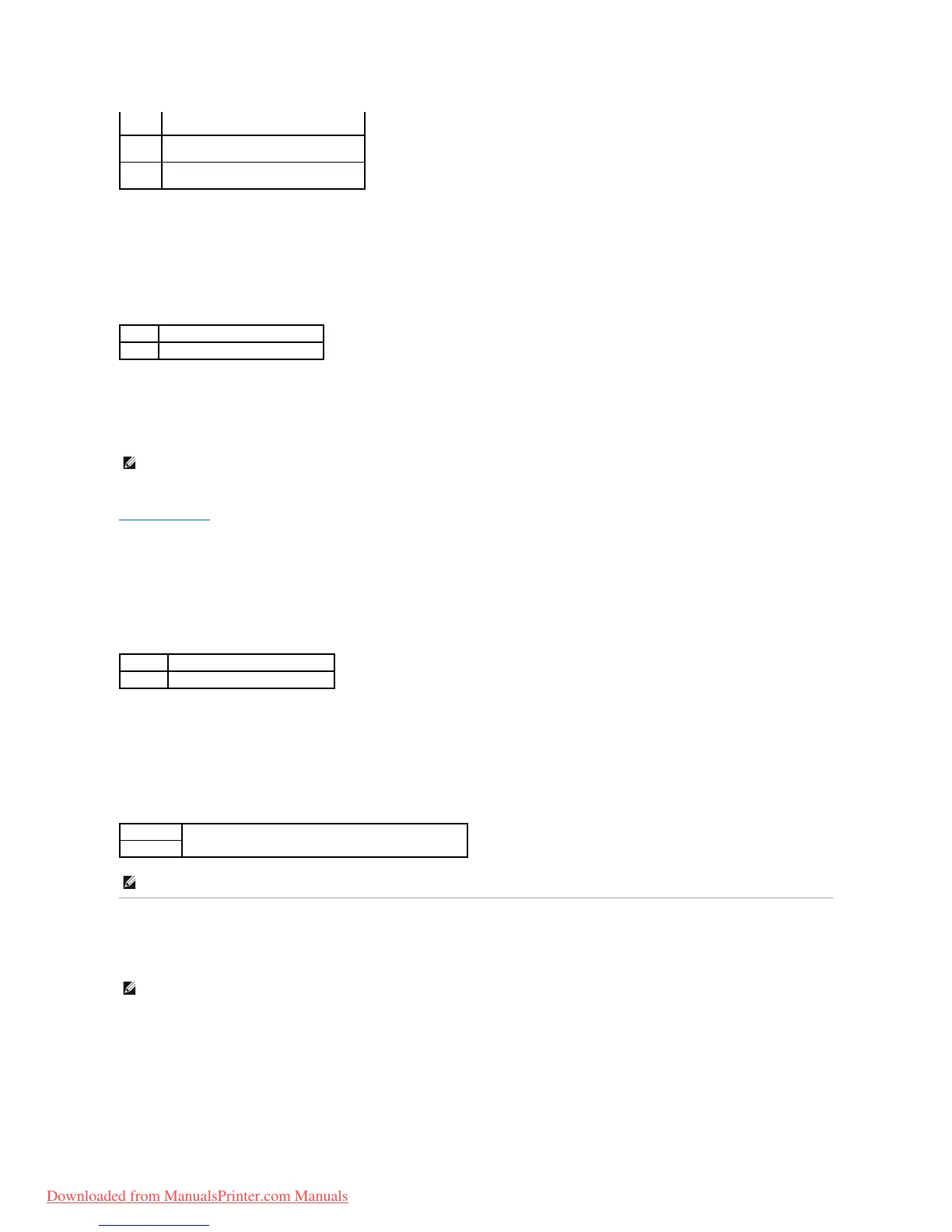
Default Color
Purpose:
To specify the color mode to Color or Black. This setting is used for a print job which does not specify a print mode.
Value:
Panel Settings
Use the Panel Settings menu to set a password to limit access to the menus. This prevents items from being changed accidentally.
See also:
"Setting Panel Lock"
Panel Lock
Purpose:
To limit access to the menus.
Values:
Change Password
Purpose:
To set a password to limit access to the menus.
Values:
Tray Settings
Use the Tray Settings menu to define the print media loaded in the standard 250-sheet tray or optional 250-sheet feeder.
Display Popup
Purpose:
To specify whether or not to display a popup menu when paper is loaded in the standard 250-sheet tray or optional 250-sheet feeder.
Values:
The LF command is added.
CR=CR-LF, LF=LF, FF=FF
The CR command is added.
CR=CR, LF=CR-LF, FF=CR-FF
The CR and LF commands are added.
CR=CR-LF, LF=CR-LF, FF=CR-FF
Prints in the black and white mode.
Prints in the color mode.
NOTE: Values marked by an asterisk (*) are the factory default menu settings.
Does not limit access to the menus.
Limits access to the menus.
Sets or changes the password required to access Admin Menu.
NOTE: This item is only displayed when Panel Lock is set to Enable.
NOTE: Values marked by an asterisk (*) are the factory default menu settings.
Downloaded from ManualsPrinter.com Manuals



 To Next Page