EasyManua.ls Logo

Dell 2130CN - Page 43

Dell 2130CN
204 pages
Print Icon
To Next Page IconTo Next Page
To Previous Page IconTo Previous Page
Loading...
Use this menu item to:
l Optimize print quality for the specified paper.
l Select paper source through your software program by selecting type and size.
l Automatically link the standard 250-sheet tray and optional 250-sheet feeder. The printer automatically links these trays containing the same type and
size of paper, if you have set the Paper Type to the correct values.
Tray 1
Purpose:
To specify the paper loaded in the standard 250-sheet tray.
Values:
Tray 2
Purpose:
To specify the paper loaded in the optional 250-sheet feeder.
Values:

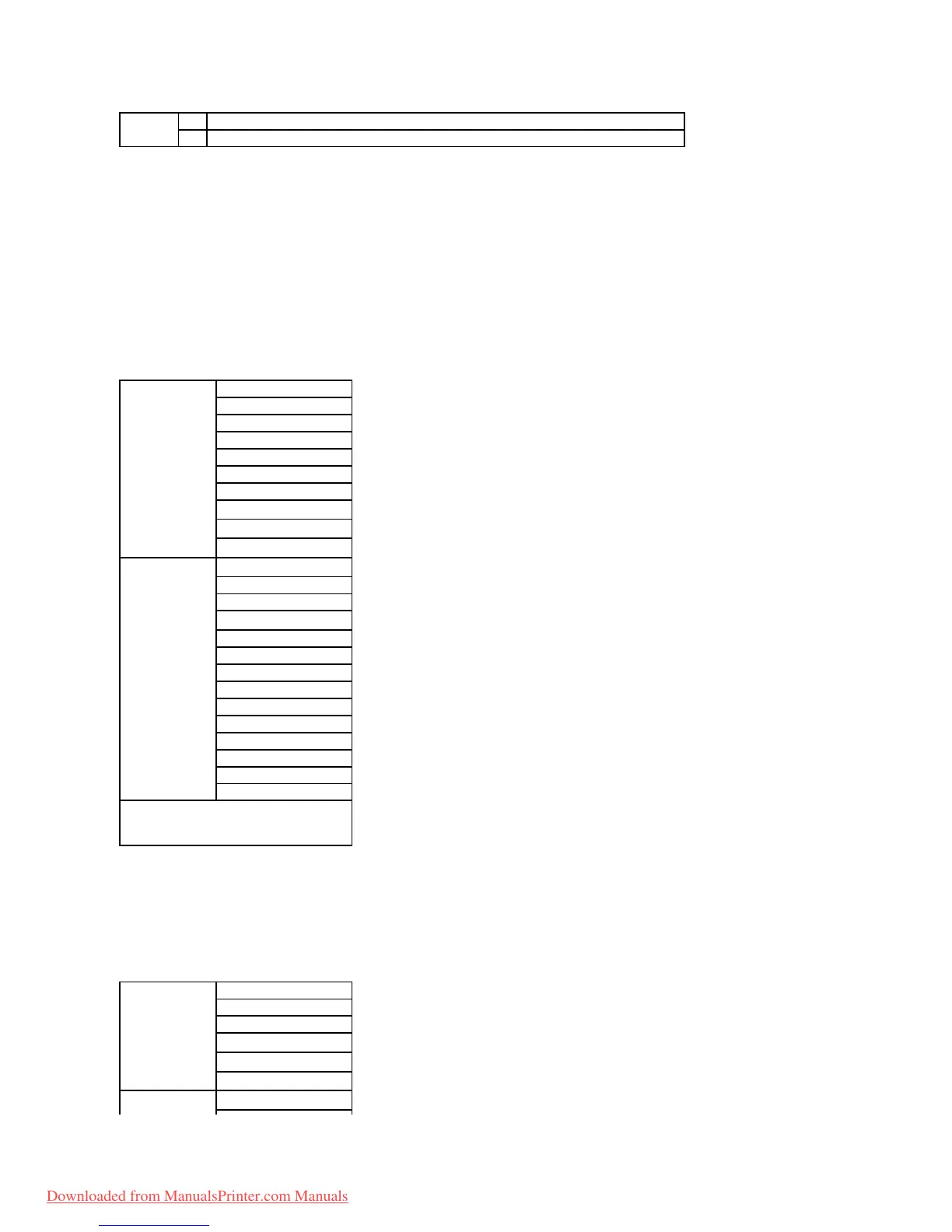
Paper Tray
On
Specifies the size and type of paper loaded in the standard 250-sheet tray or optional 250-sheet feeder.
Off*
Size and type of paper loaded in the standard 250-sheet tray or optional 250-sheet feeder.
Paper Type
Plain*
Plain Thick
Covers
Covers Thick
Label
Envelope
Recycled
Plain S2*
1
Plain Thick S2*
1
Recycled S2*
1
Paper Size
A4*
2
A5
B5
Letter*
2
8.5x13"
Legal
Executive
Monarch
Monarch LEF
DL
DL LEF
C5
Envelope #10
Custom Size
*
1
"S2" means the print side 2 of the paper.
*
2
Denotes country-specific factory default values.
Paper Type
Plain*
Plain Thick
Recycled
Plain S2*
1
Recycled S2*
1
Plain Thick S2*
1
A4*
2
Downloaded from ManualsPrinter.com Manuals

Table of Contents

Other manuals for Dell 2130CN

Related product manuals