l Width - 76.2 mm (3.00 inches) to 215.9 mm (8.5 inches)
l Length - 127 mm (5.00 inches) to 355.6 mm (14.00 inches)
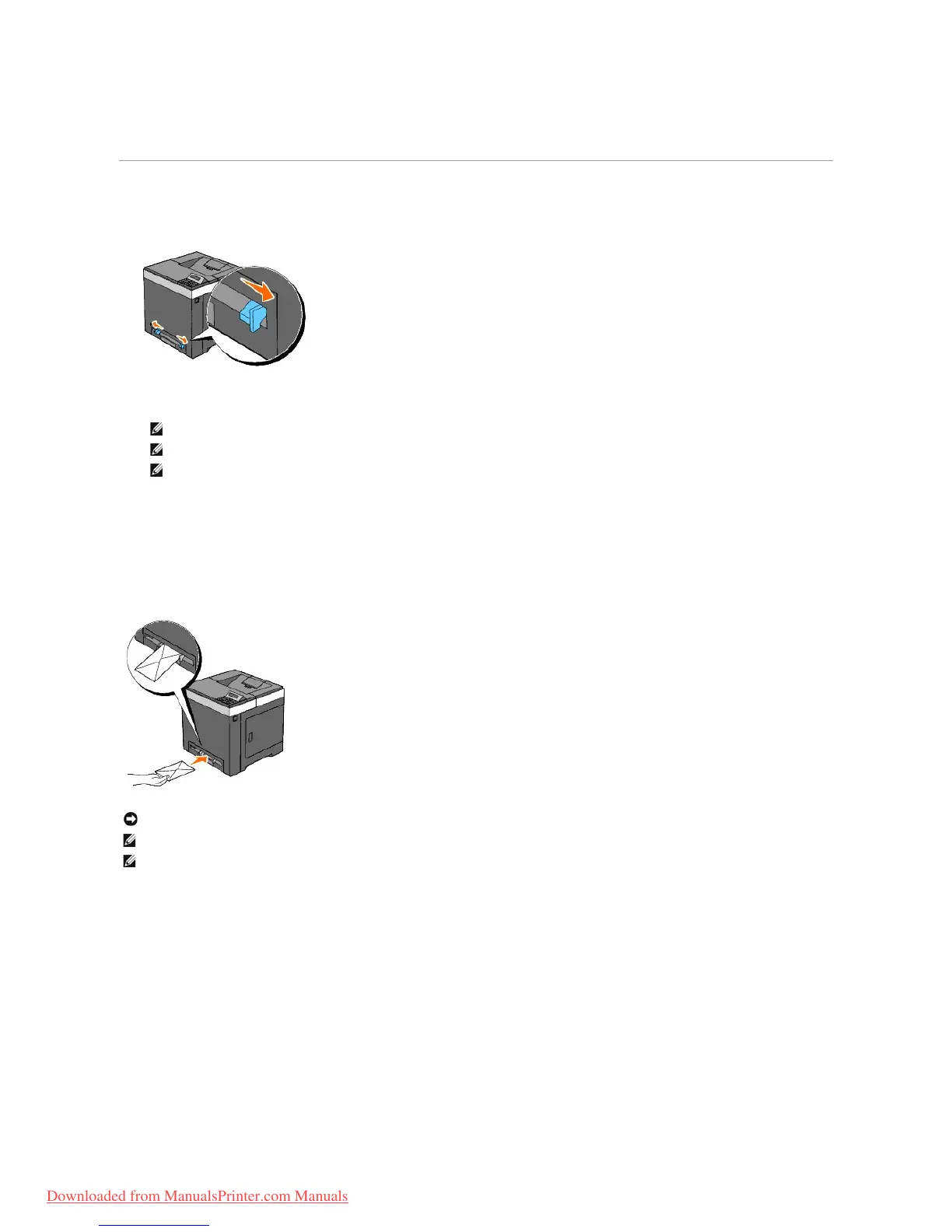
Loading the Single Sheet Feeder
1. Adjust the width guides to the print media's width.
2. Hold both sides of the print media facing down close to the single sheet feeder, and push it into the printer until it automatically feeds.
Loading an Envelope
Envelope#10, Monarch, or DL
To load an envelope into the single sheet feeder, insert the envelope short edge feed with the flap closed and the print side down. Ensure that the flap comes
at the right when you face towards the printer.
C5
To load an envelope into the single sheet feeder, insert the envelope short edge feed with the flap open and the print side down. Ensure that the flap comes
at the bottom when you face towards the printer.
NOTICE: Never use envelopes with windows, coated linings, or self-stick adhesives. These lead to paper jams and can damage the printer.



 To Next Page