7. Verify that the Network (Wireless) section exists.
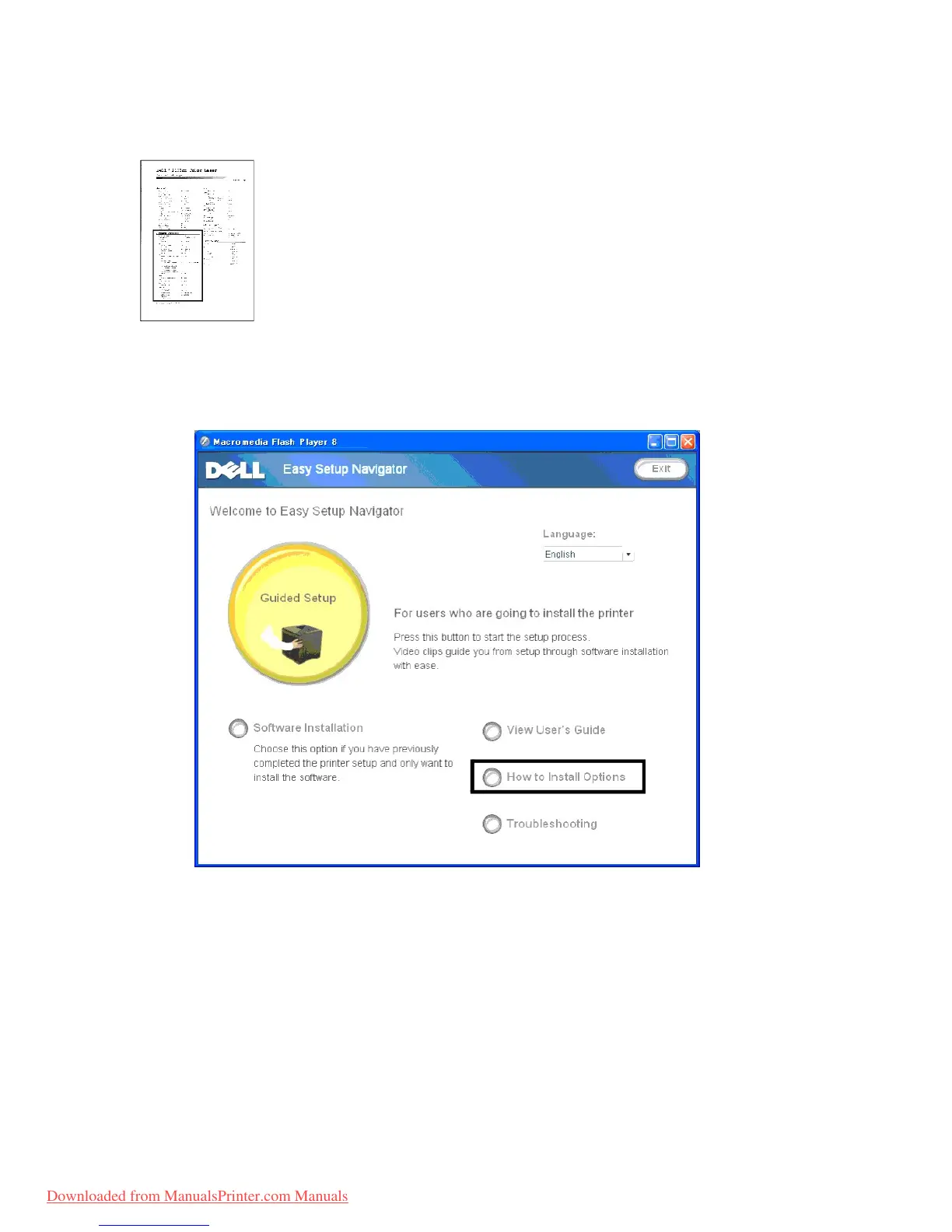
8. Insert the Drivers and Utilities CD provided with the printer. The setup_assist.exe file launches automatically.
9. Click the How to Install Options button on the Easy Setup Navigator window.
The How to Install Options window opens.
10. Click the Wireless Printer Adapter button and click Skip Video, to set printer's SSID.



 To Next Page