Using the System Setup Program 4-11
Virus Check Reminder
This category lets you display a message during start-up
at selected intervals to remind you to check your system
for viruses. The options are as follows:
•
Disabled (default)
•
Daily
•
Weekly
•
Monthly
E
xit Menu Categories
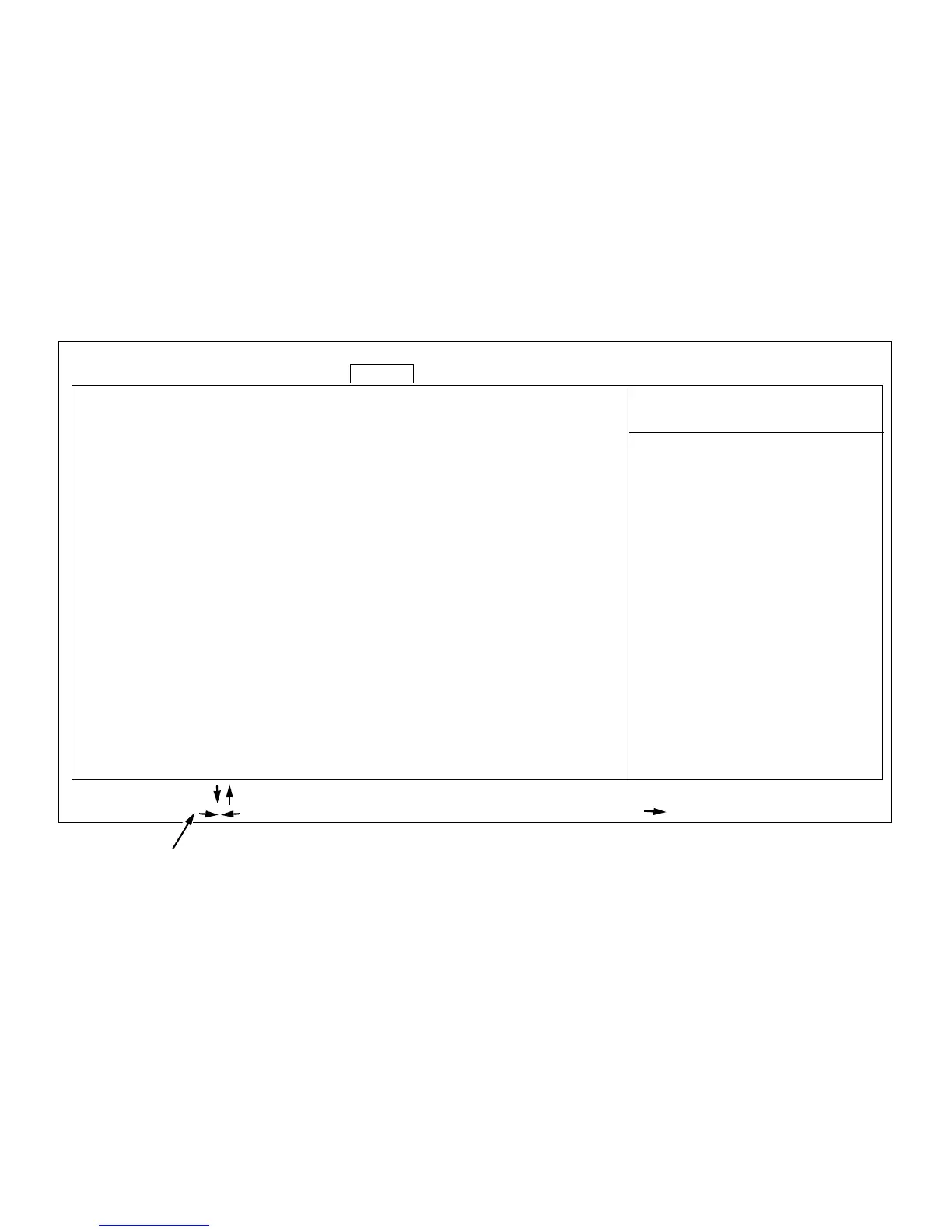
To access the Exit menu (see Figure 4-5), use the arrow
keys to highlight Exit. The following section explains in
detail each of the System Setup categories in the Exit
menu.
Figure 4-5. Exit Menu of the System Setup Program
Save Changes & Exit
Exit Without Saving Changes
Get Default Values
Load Previous Values
Save Changes
Item-Specific Help
BIOS Version A
XX
Main Advanced Security Exit
Saves all changes made
in the setup program to
CMOS, exits the setup
program, and then re-
boots the computer.
key functions
F1 Help Select Item -/+ Change Values F9 Setup Defaults
ESC Exit Select Menu Enter Select Submenu F10 Previous Values
Dell System PowerEdge 2200 Setup













 To Next Page