Steps
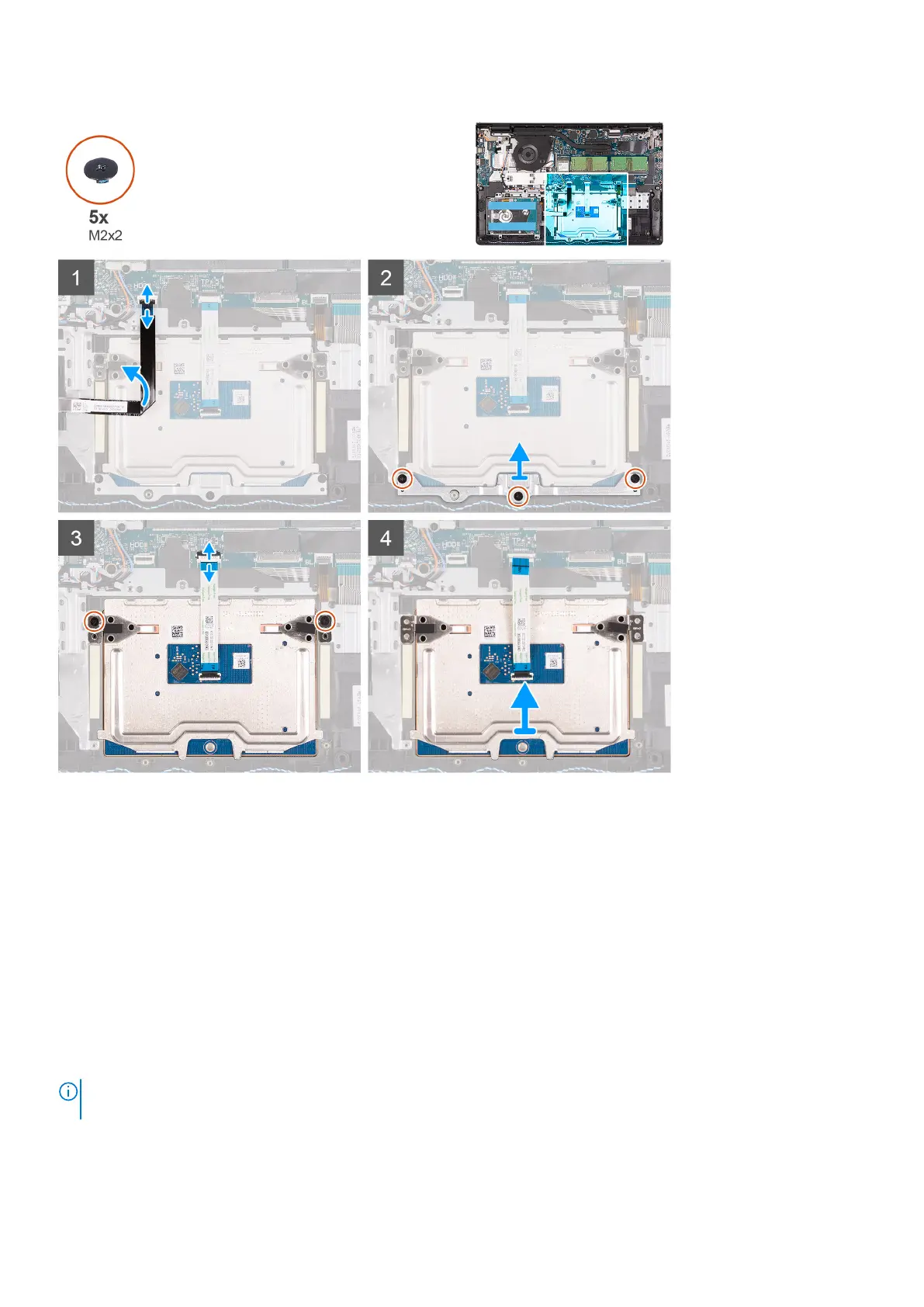
1. Disconnect the hard-drive FFC from the system board.
2. Remove the three (M2x2) screws securing the touchpad bracket to the palm-rest and keyboard assembly.
3. Remove the touchpad bracket from the computer.
4. Remove the two (M2x2) screws securing the touchpad module in palm-rest and keyboard assembly.
5. Diconnect the touchpad FFC from the system board.
6. Remove the touchpad module with touchpad FFC from the computer.
Installing the touch pad assembly
About this task
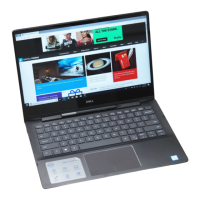
The following images indicate the location of the touchpad and provides a visual representation of the installation procedure.
NOTE:
Ensure that the touch pad is aligned with the guides available on the palm-rest and keyboard assembly, and the gap
on either sides of the touch pad is equal.
48 Removing and installing components





 To Next Page