15
Disassembly and reassembly
Figure 17. Installing the metal shield
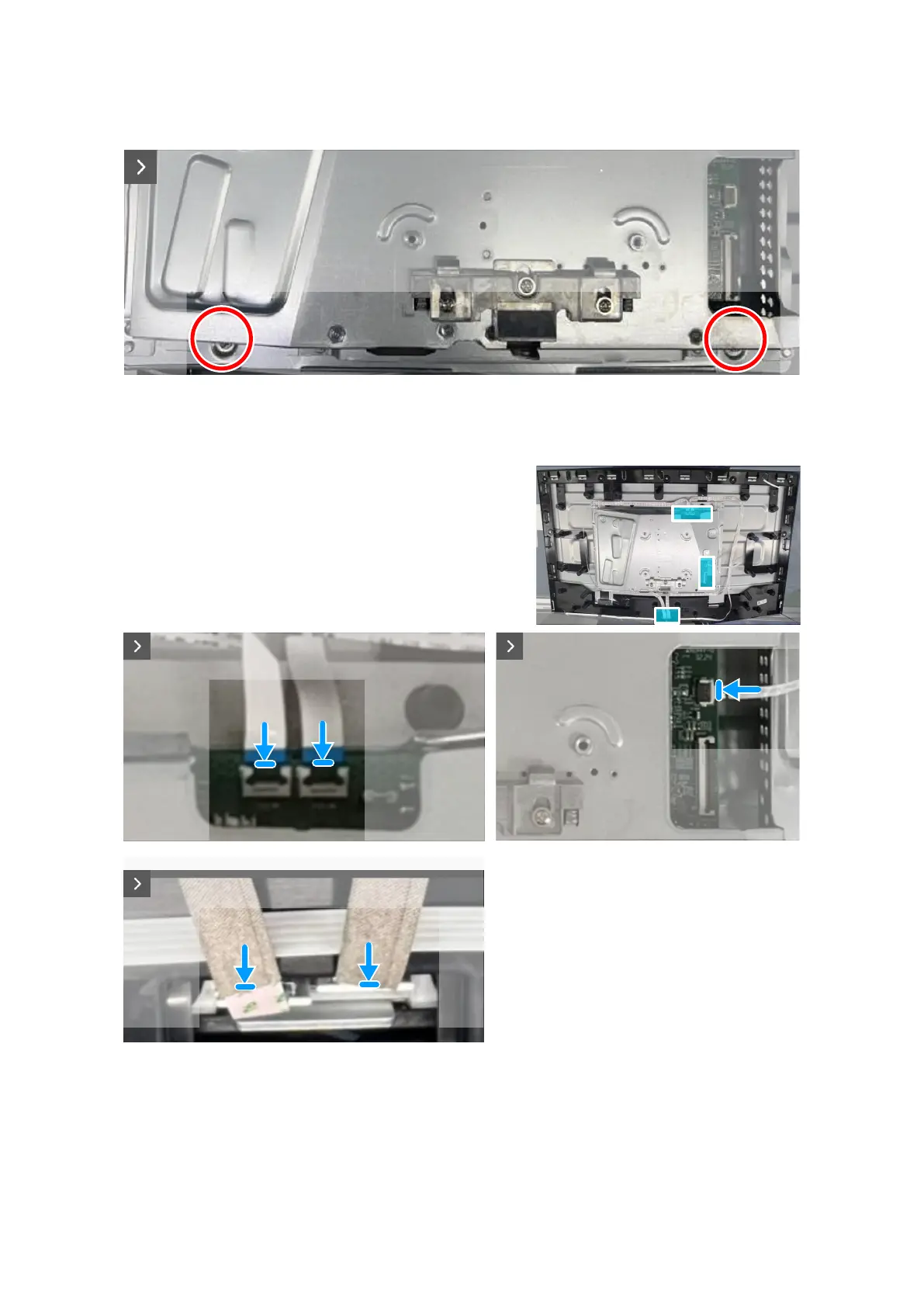
4. Connect the lightbar cables to the connector on the display panel and the system board.
5. Connect the keypad cable to the connector on the display panel and the system board.
Figure 18. Installing the metal shield
6. Adhere the tapes to secure the cables and metal shield to the display panel.













 To Next Page