8
Disassembly and reassembly
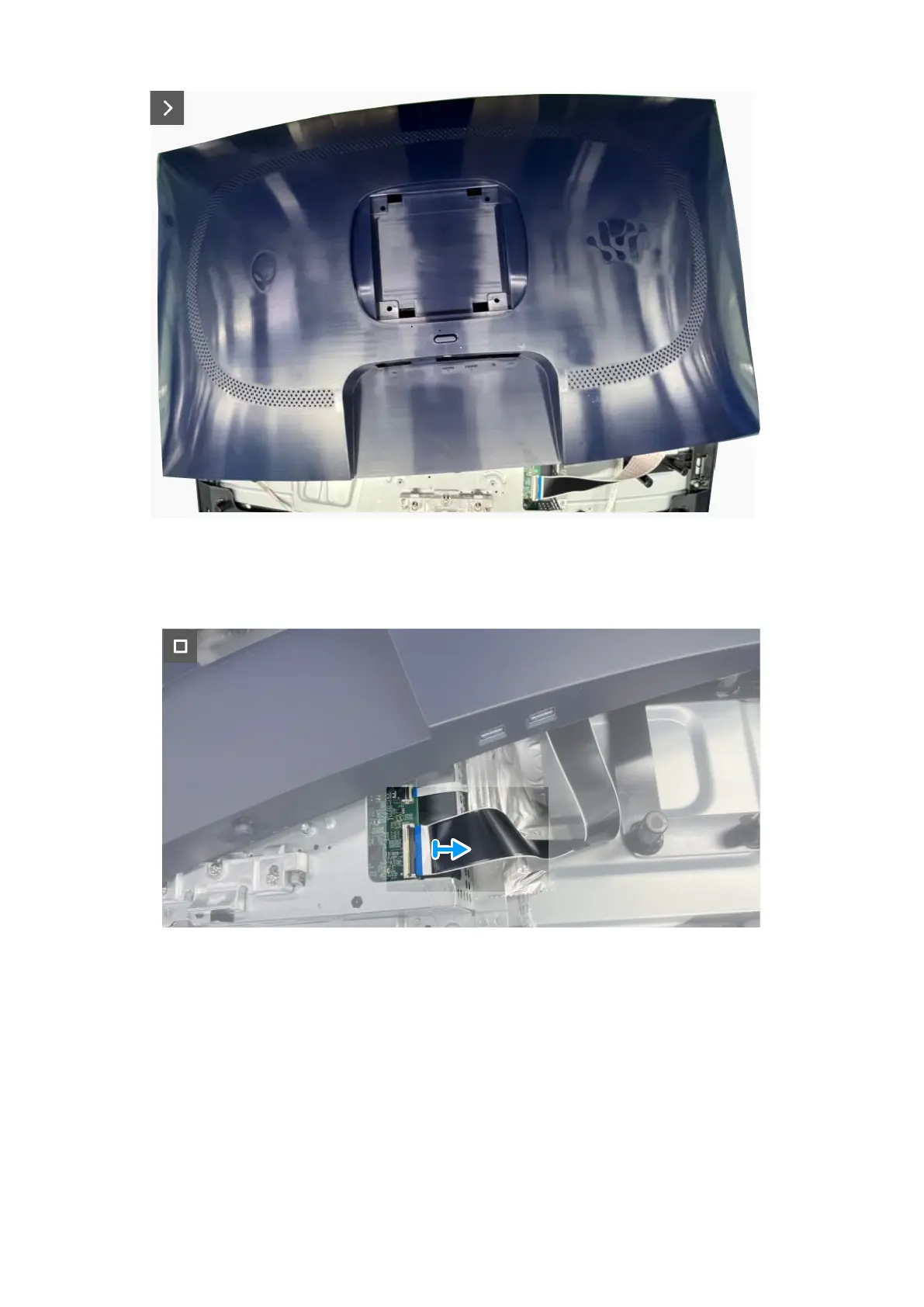
Figure 5. Removing the back cover
Figure 6. Removing the back cover
4. Lift and remove the back cover away from the monitor.
Installing the back cover
Steps
1. Connect the LVDS cable to the connector on the system board.
2. Align the screw holes on the back cover with the screw holes on the monitor, and gently press along the sides to snap the back
cover into place.













 To Next Page