25
Disassembly and reassembly
I/O board and joystick-button board
Removing the I/O board and joystick-button board
Prerequisites
1. Follow the procedure in Before working inside your monitor.
2. Remove the stand.
3. Remove the back cover.
Steps
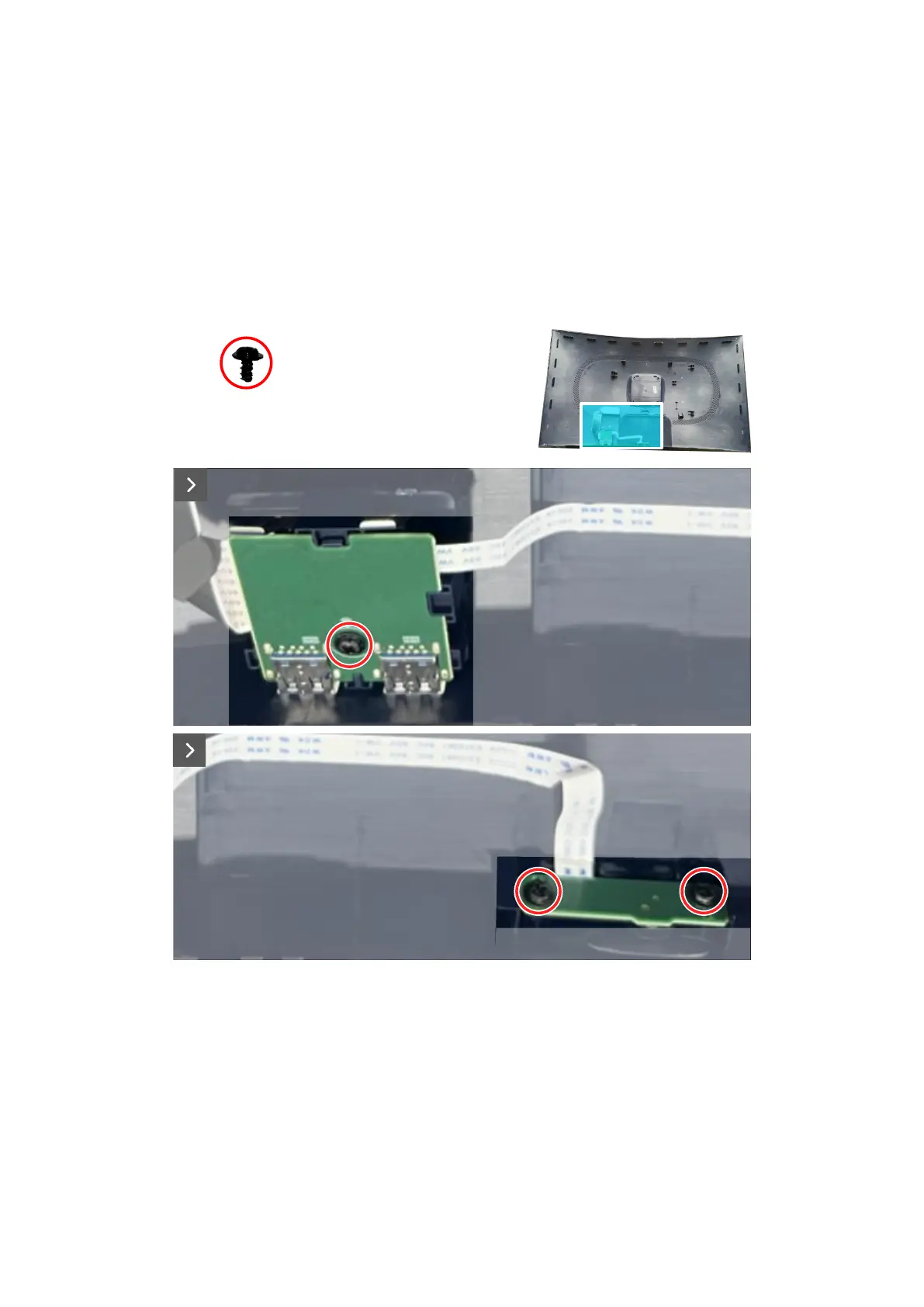
1. Remove the screw (Q3x6) that secures the I/O board to the back cover.
2. Remove the two screws (Q3x6) that secure the joystick-button board to the back cover.
3x
Q3x6
Figure 31. Removing the I/O board and joystick-button board
3. Disconnect the cables from the connectors on the I/O board and the joystick-button board.













 To Next Page