52 Print
4. Click the 2-sided / Booklet drop-down list, and then select the Booklet or Booklet (Manual) option.
Option Description
Booklet (available only for certain models) Automatically prints as a booklet.
Booklet (Manual) Manually prints as a booklet.
5. Click the 2-sided Settings button.
6. Select the one of the options from the 2-sided Type menu.
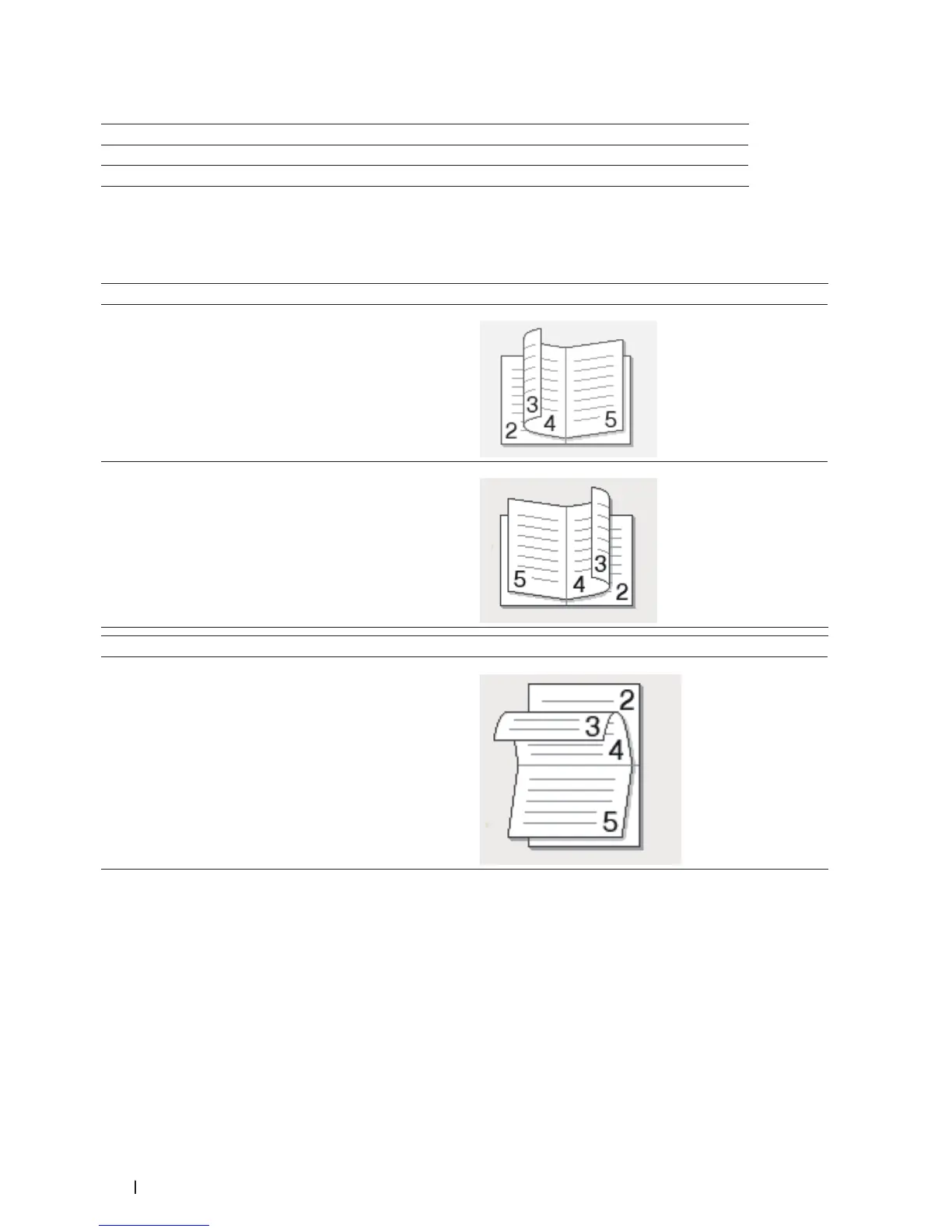
There are two types of 2-sided binding directions available for each orientation:
Option for Portrait Description
Left Binding
Right Binding
Option for Landscape Description
Top Binding


 To Next Page